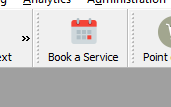
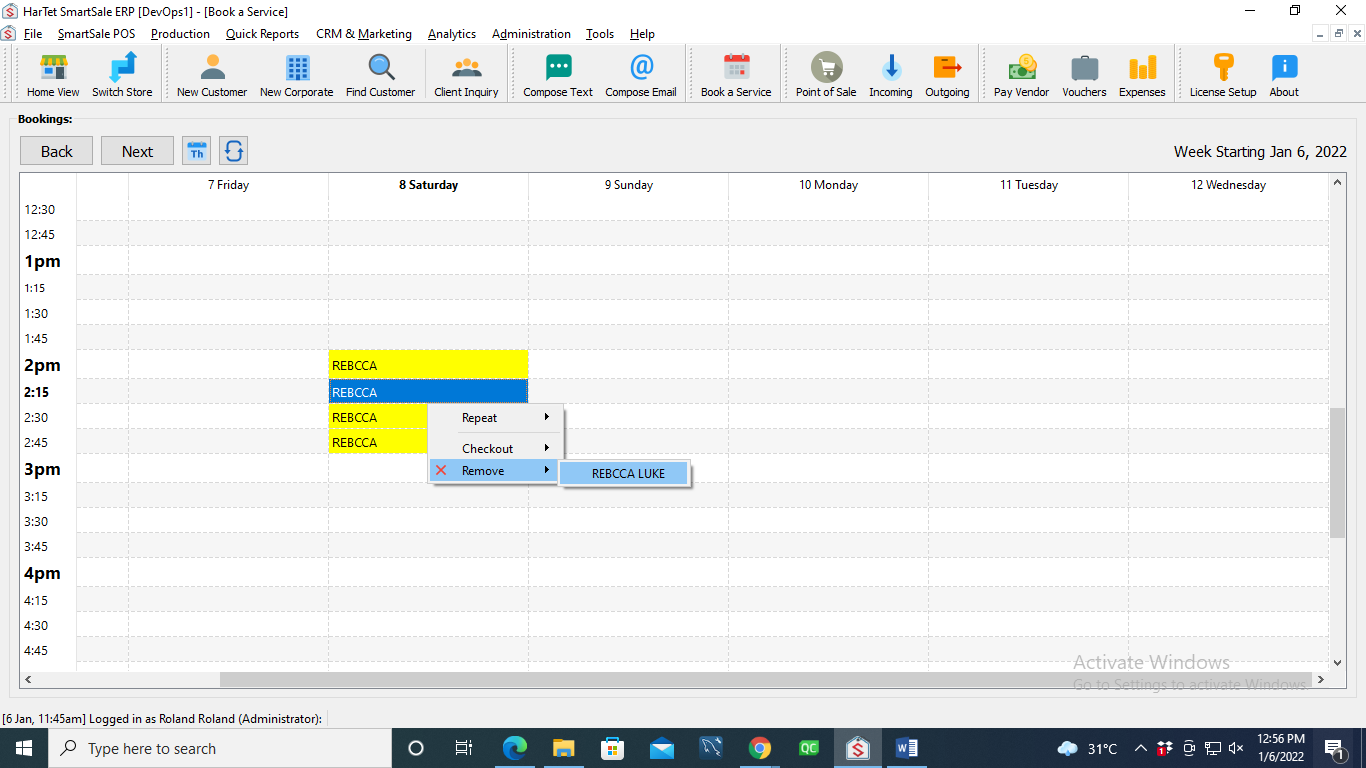
HOW TO CANCEL AN APPOINTMENT. In the SmartSale interface, click on Book a Service. Right click on the appointment, click on Remove and then click on the name of the customer to remove the appointment. Updated on February 9, 2022 Tagged: Manage Bookings and Appointment Was this article helpful? Yes No Related Articles Rotary District 9104 app – Getting Started Guide. How to Create a Proforma Invoice HOW TO MODIFY DETAILS OF PRODUCTS IN INVENTORY How to Make a Credit Sale How to Specify Additional Information to Appear on Sales Quotes How to Specify Additional Information to Appear on Sales Orders Need Support?Can't find the answer you're looking for? Don't worry we're here to help!CONTACT SUPPORT