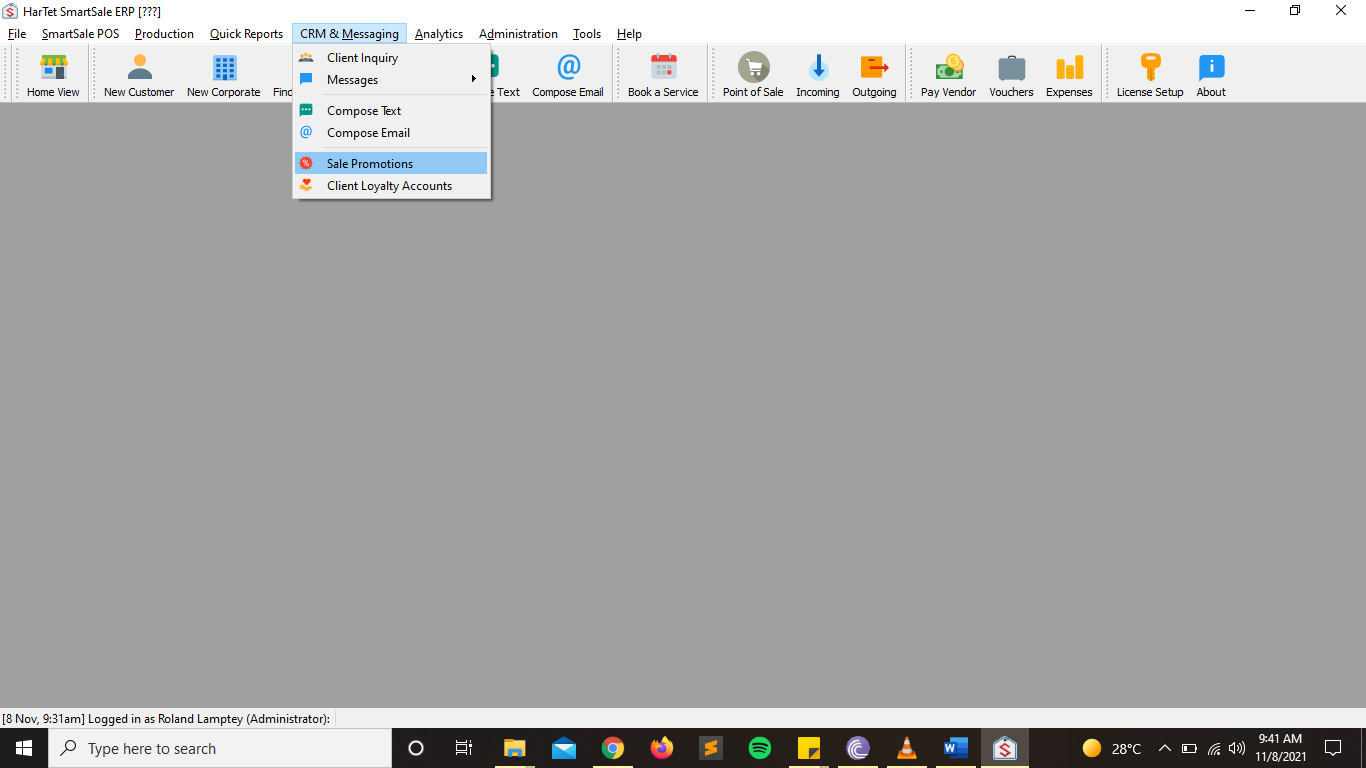
- In the SmartSale POS Menu, click on CRM & Messaging and then click on Sales Promotions
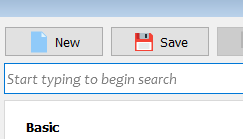
- In the new window, click on NEW to add a new promotion
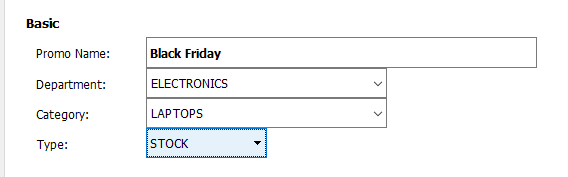
- Fill in the Basic details of the promotion such as the Name, Department, type, etc.
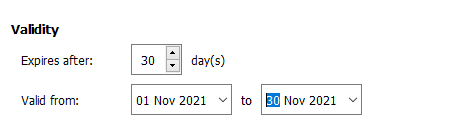
- Fill in the information on the validity of the promotion
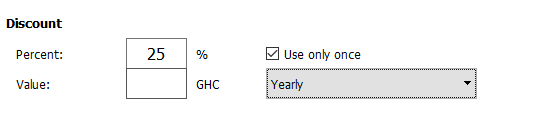
5. Add information on how much discount is being offered to customers and how often this promotion occurs.
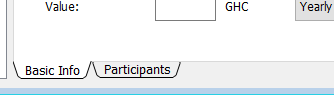
- Choose Participant in the options below the Discount section to add more details about the Promotions
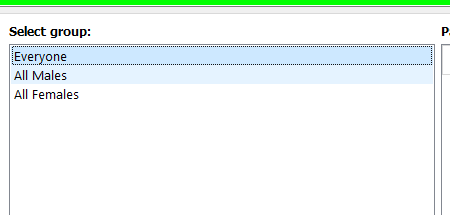
- Select the group of people that can participate in this promotion
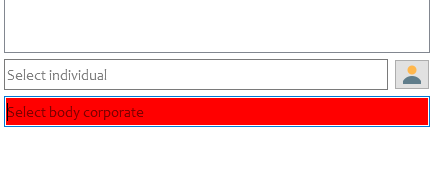
- Add specific individuals or cooperate bodies if necessary
- Once done click on Save to add promotion