
- Click on File, select Client Services, then click on Find Customer.

- A pop up box would appear, enter the client’s name in the search bar.

- The details of the client would appear in the box next to the jpg box.
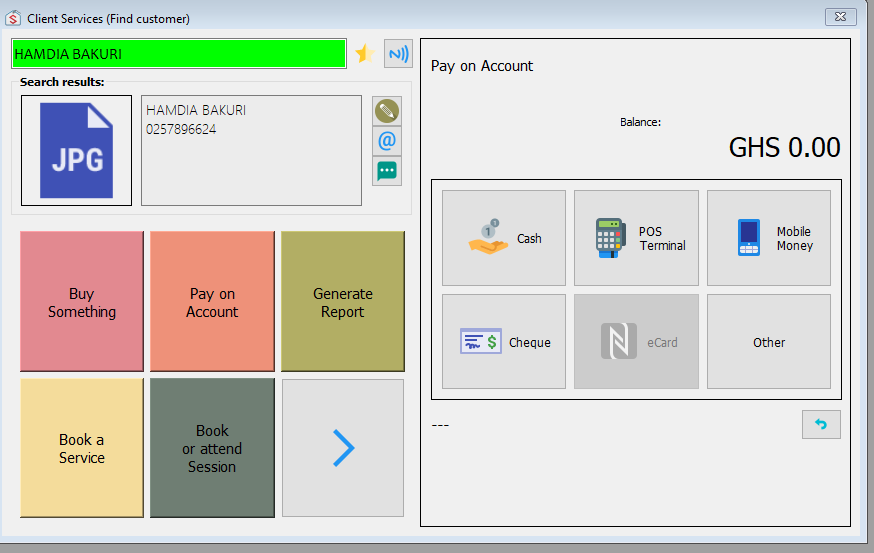
- Click on the edit button (looks like a pencil) which displays an Edit Customer form.

- Add or remove any information you need on the form.
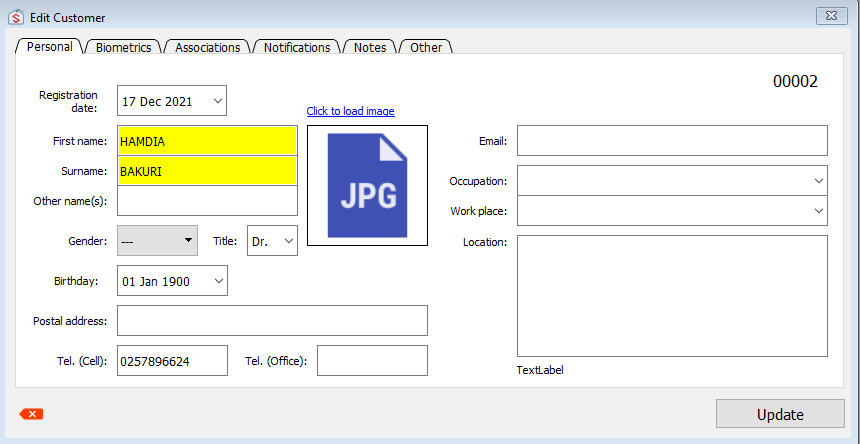
- When you are done, click Update
HOW TO MODIFY CUSTOMER DETAILS
Updated on February 9, 2022
Need Support?CONTACT SUPPORT