
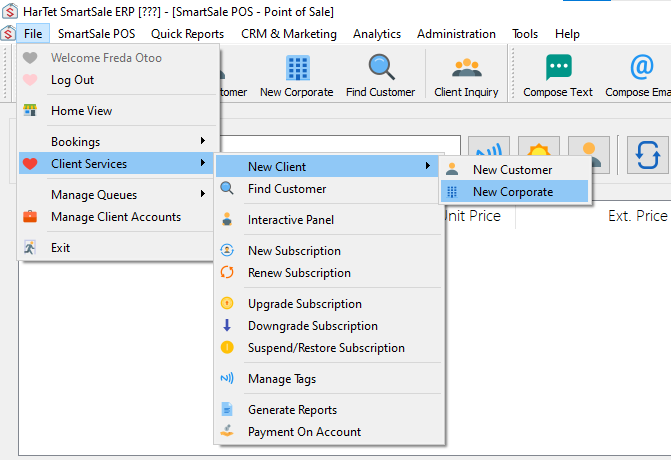
- Click on File, select Client Services, choose New Client from the pop up then Click on New Corporate.
- A form would appear [New Corporate Client]
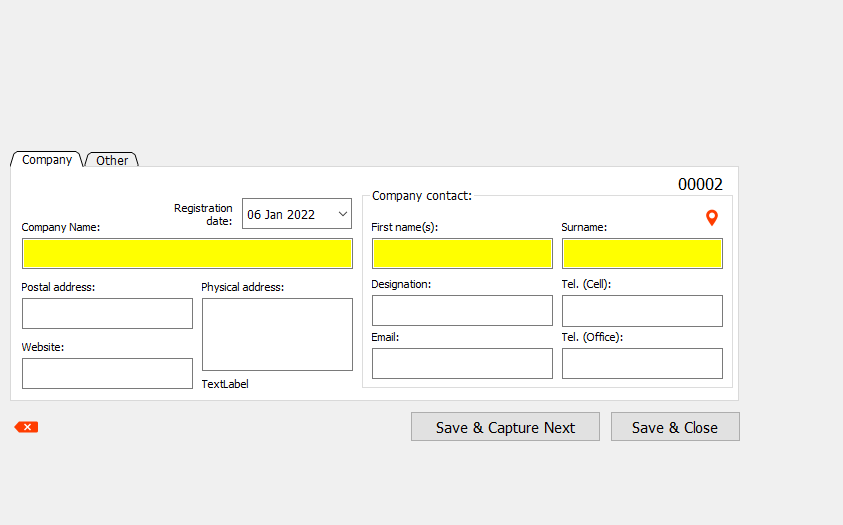
- Enter the details about the company and the contact person of the company.
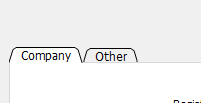
- Click on the Other tag, next to the company tag which are located at the top left of the form, to enter the industry in which the company belongs to.
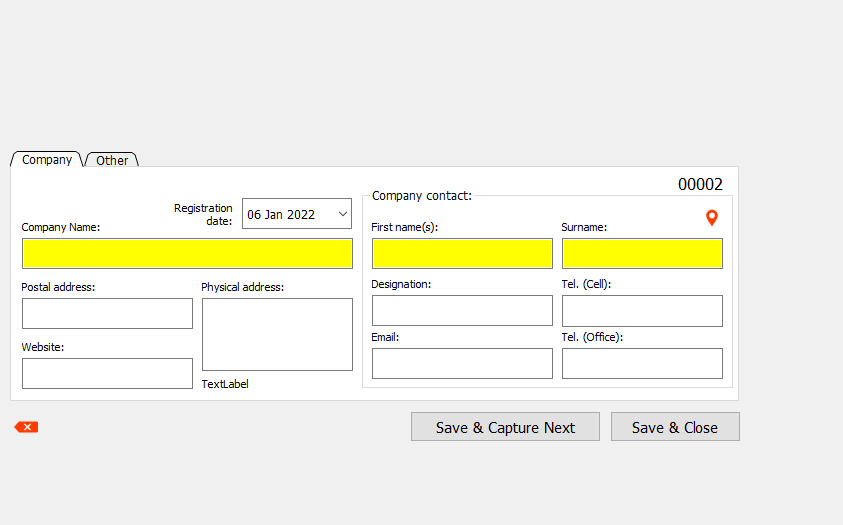
- After filling every form detail, click on save and close. However, if there are multiple companies you are registering at a go, click save and next to type in the next company details.
- For easy access to the form, you could also click on the New Corporate button located underneath the menu bar.

HOW TO REGISTER CORPORATE CLIENTS
Updated on February 9, 2022
Need Support?CONTACT SUPPORT