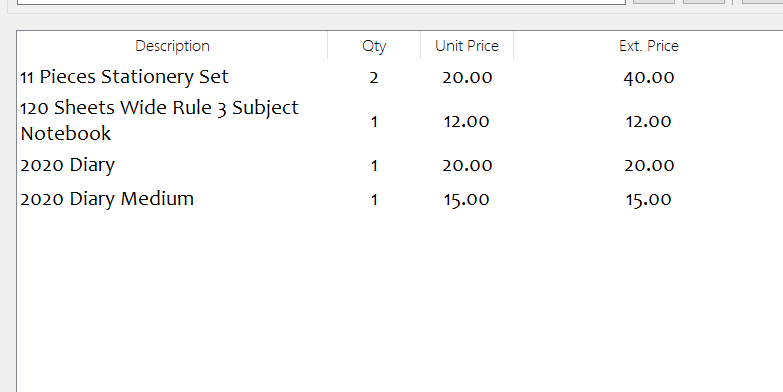
- In the POS interface, search and add the products the customer wants to buy to the cart.
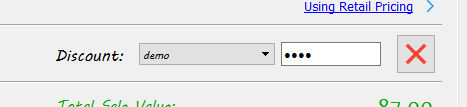
- In the discount section, click on the padlock symbol

- Select the account from which you want to apply the discount from and enter the password of that account and then press the enter key.
- Enter the percentage value of the discount or the amount of discount you want to apply and then press the enter key.
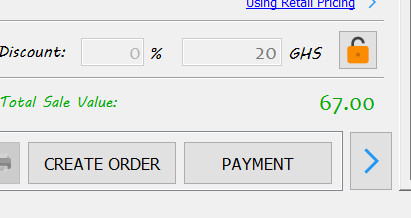
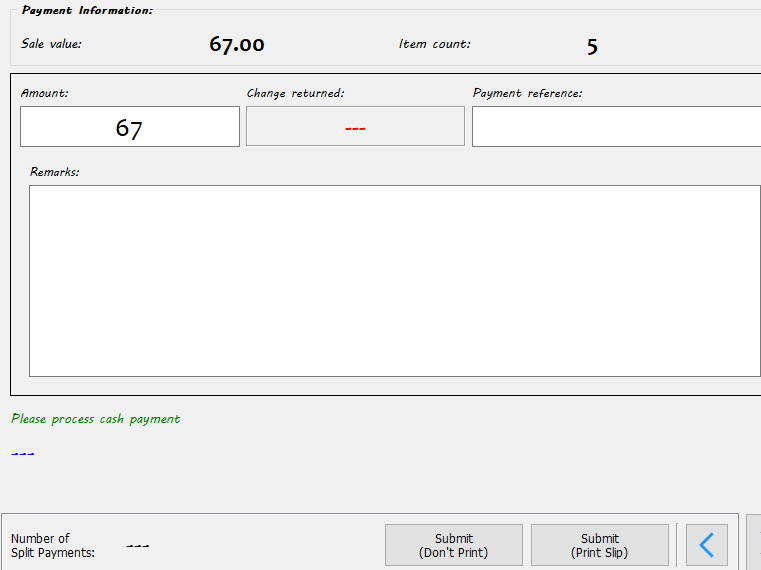
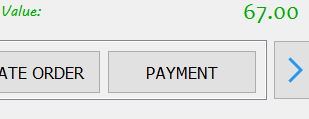
- Click on the payment button to procced to the payment option and then choose cash or the appropriate payment type.
- Enter the amount and the submit the order.