
- Click on SmartSale POS; click on Products and Services and then Navigate to Manage Subscriptions and click on it.

- Click on New to add a new subscription
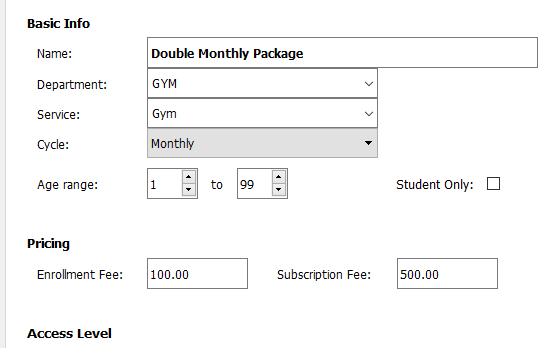
- Enter the basic information of the subscription.
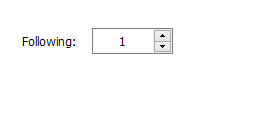
- In the following section by the access level, specify the additional number of people this subscription can have. N.B If it can have two people then the following is 1, if it can have 3 people then the following is 2, etc.
- Once you are done, click on Save to save the Subscription.