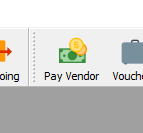
- Click on Pay Vendor
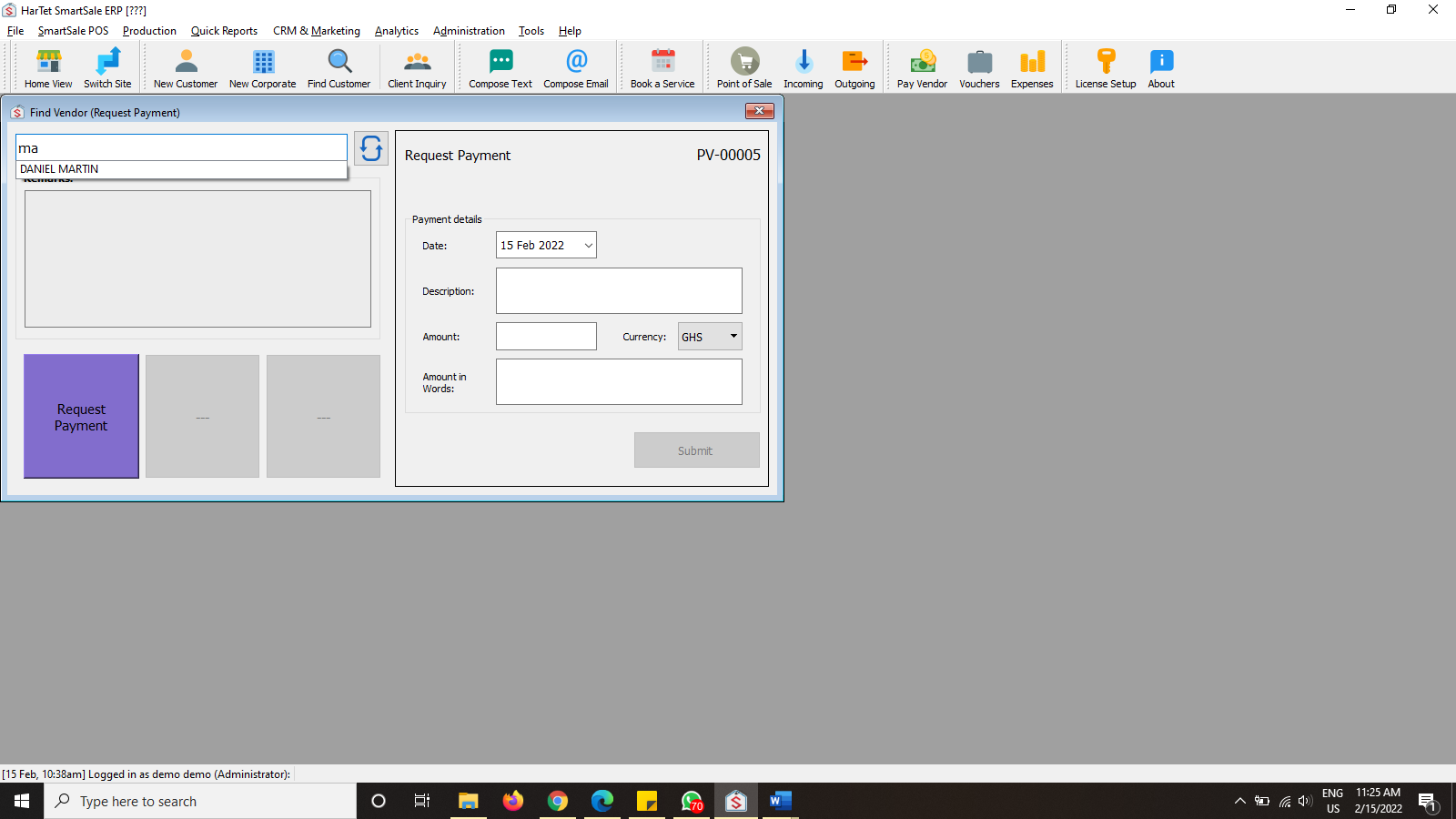
- In the search bar, enter or search for the name of the person
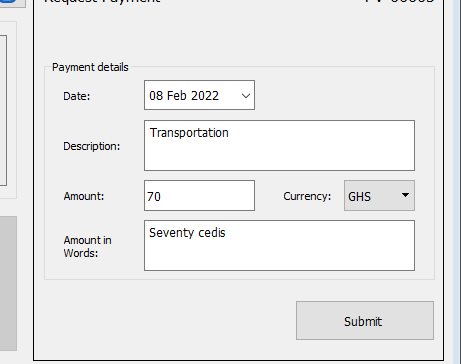
- Enter the amount (in figures and in words) ,the date and description of the PV and click on the submit button.
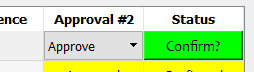
- To approve or decline the voucher, click on Vouchers

- Under approval #1 either choose approve or decline. If approve is chosen, select the payment type and the approve Approval #2.
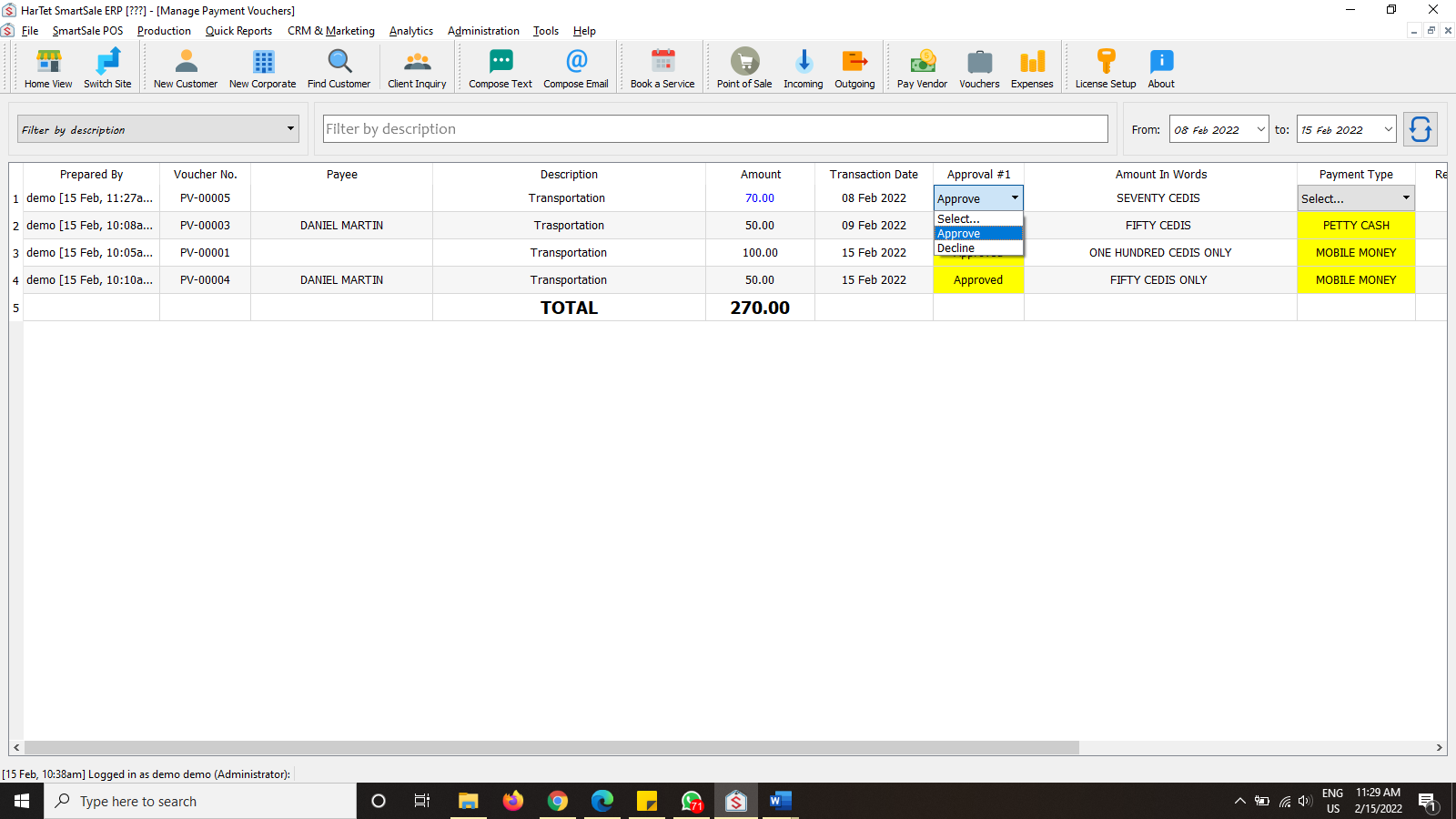
- Click on confirm to approve the voucher.