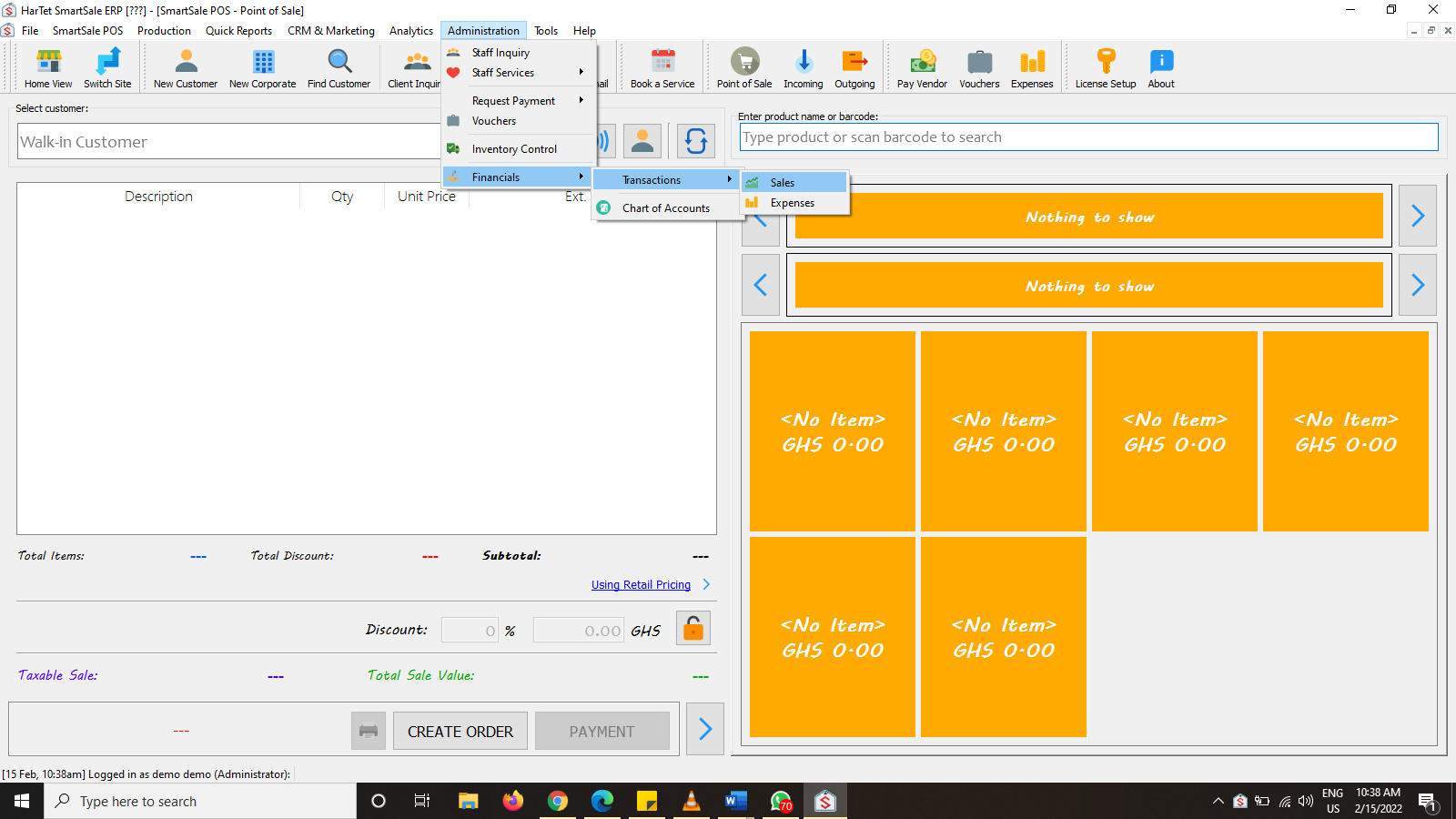
- In the SmartSale interface, click on Administration and then Financials and then Transactions and finally click on Sales.
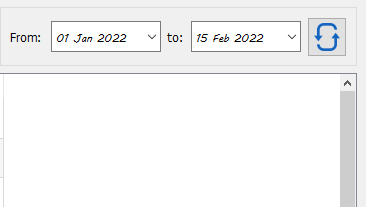
- In the date section, specify the time frame from which you want to see the Sales transactions from and the hit the refresh button.
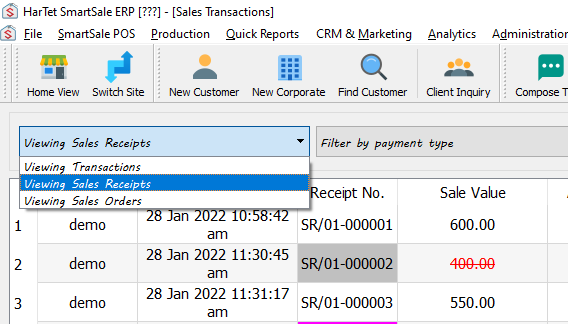
- In the viewing transactions drop down menu, click on viewing Sales Receipt or Sales Orders to generate the appropriate report.
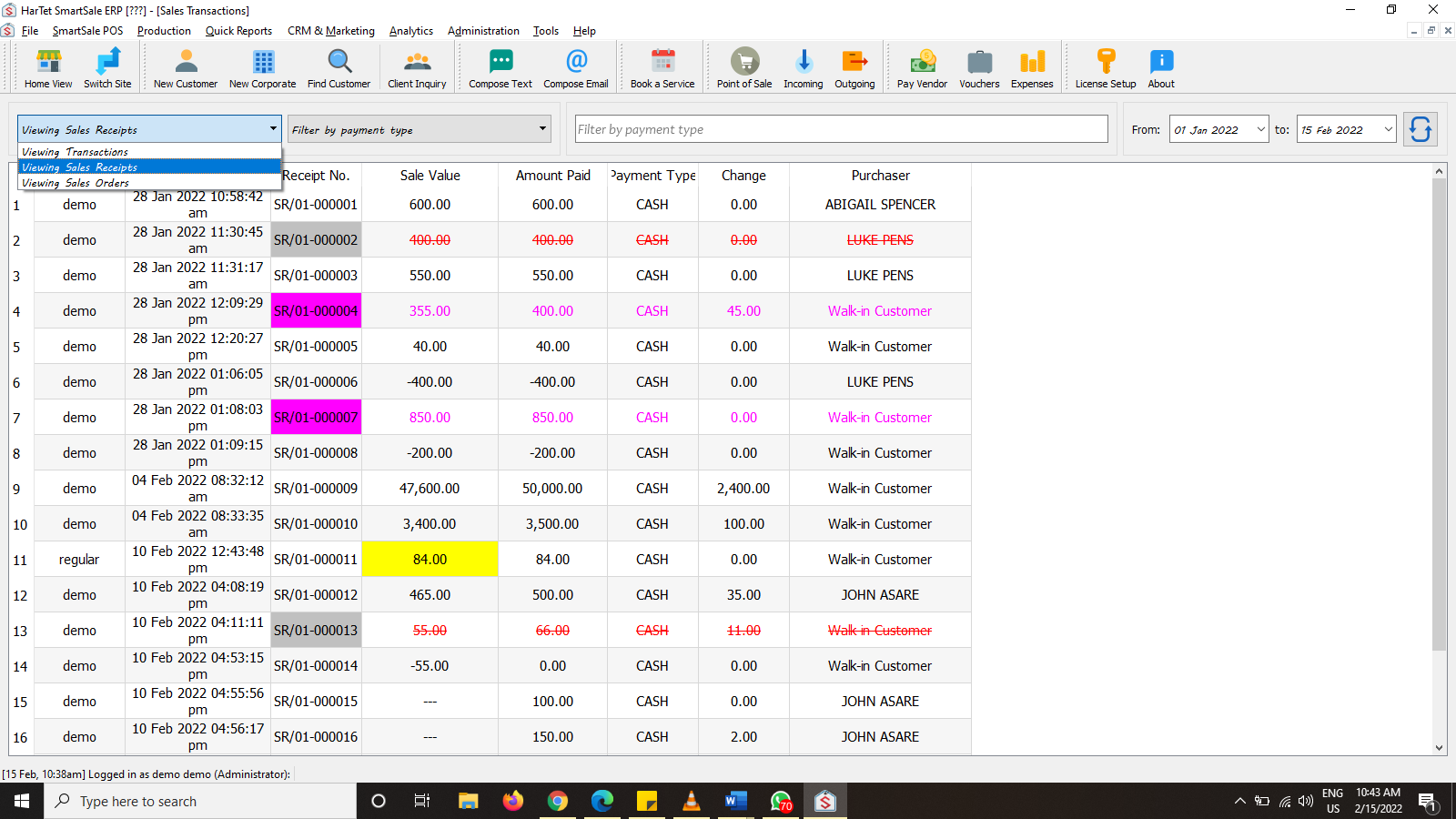
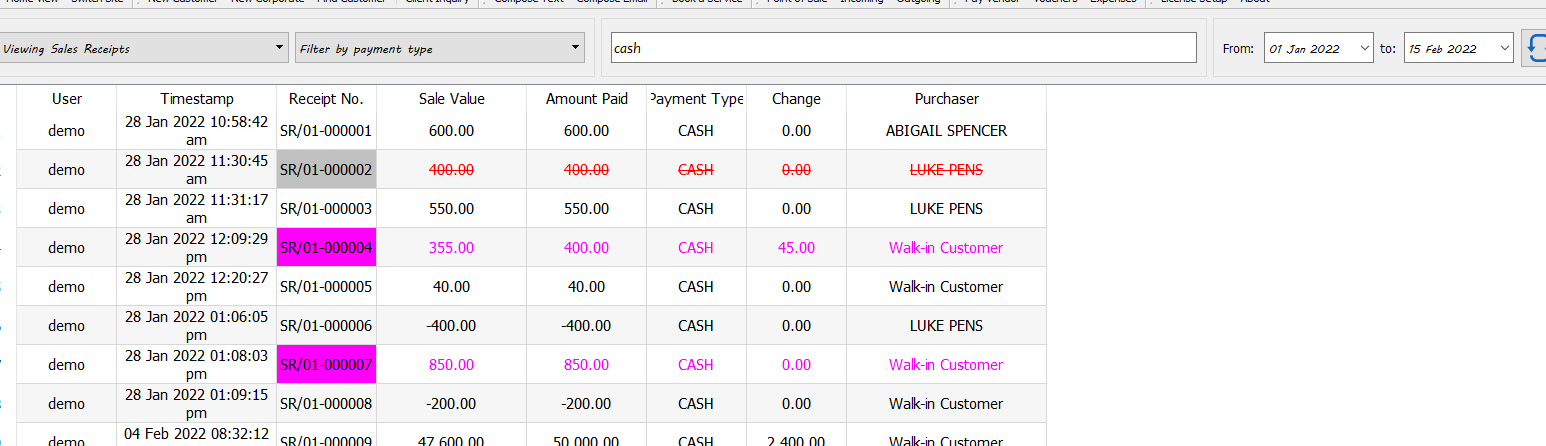
- In the filter by payment type drop down, you can either select to filter by payment type or find a particular receipt number as demonstrated below.