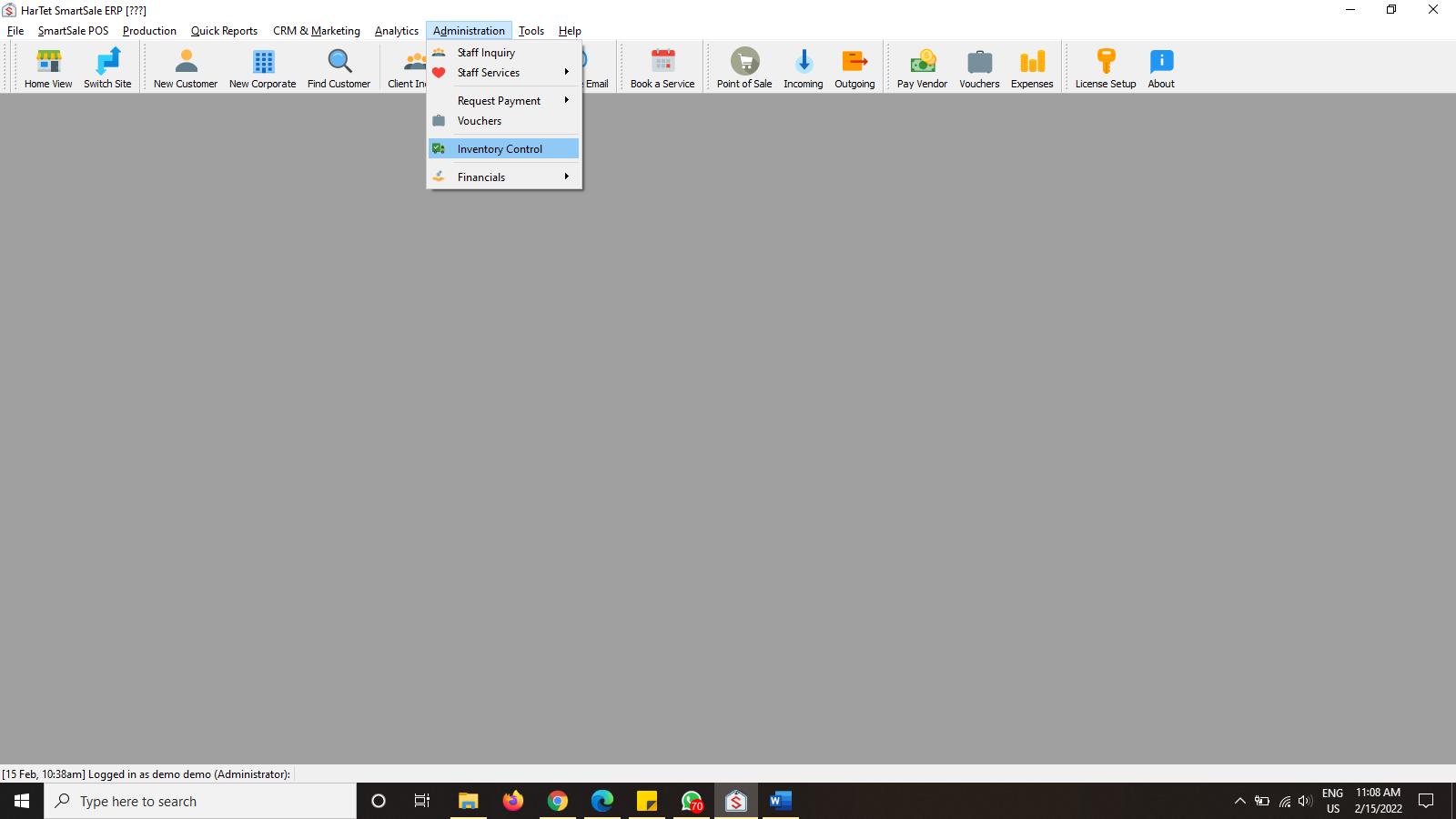
- Click on Administration, and then on inventory control
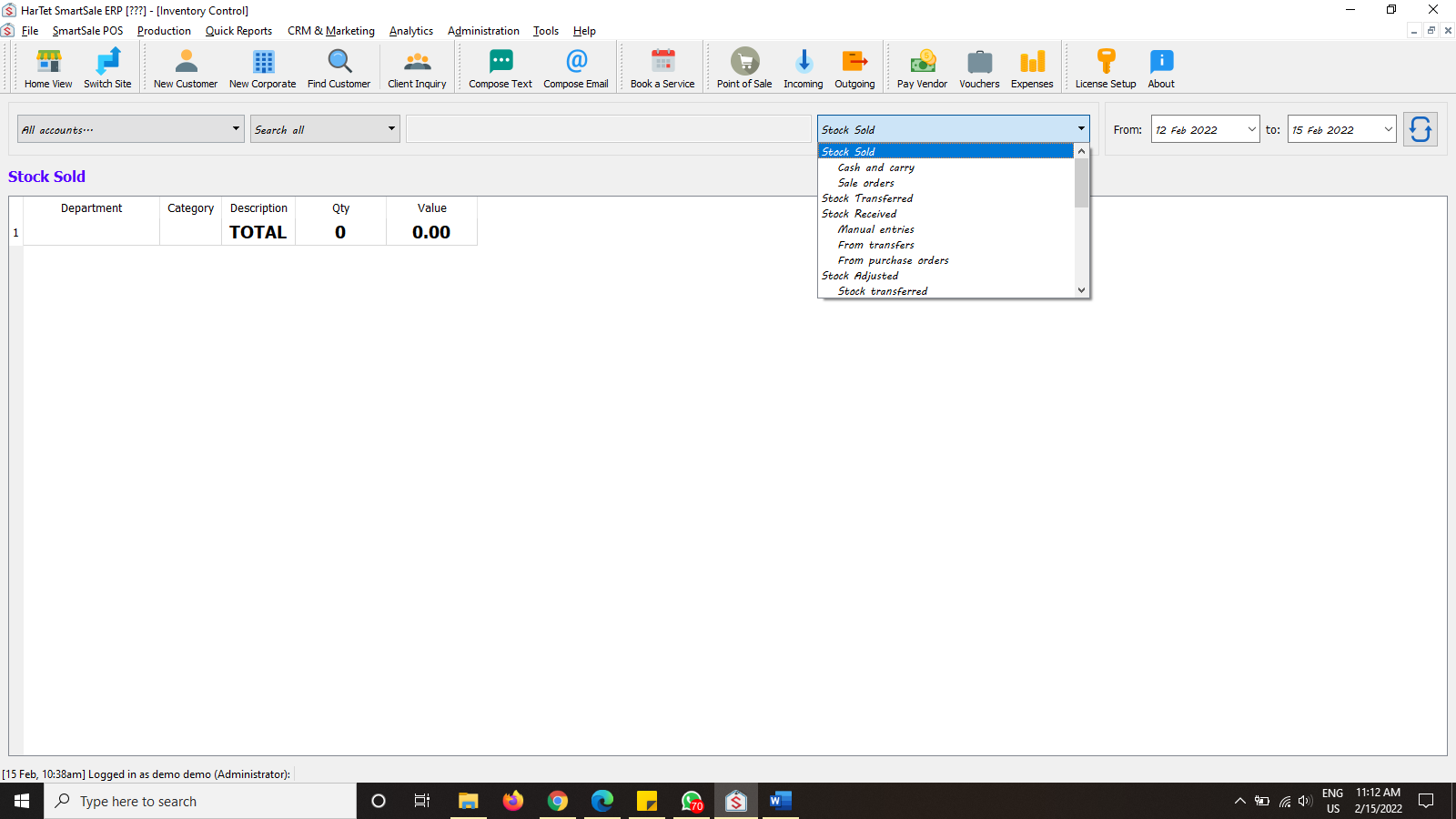
- In the Stock sold drop down menu, select the type of report you want to generate.
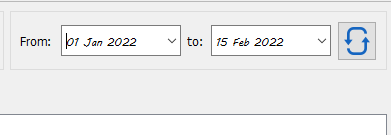
- Choose the appropriate time frame and the click on the refresh button next to it
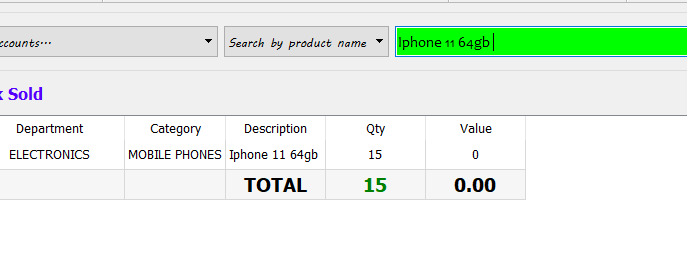
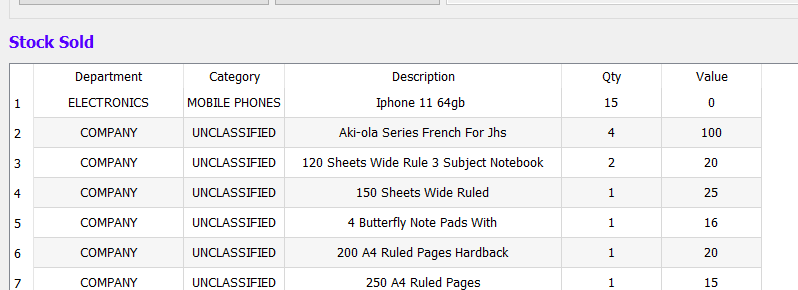
- Sample of a report generated
- To find a particular product, choose search by product name in the drop down menu and search for the name of the product.