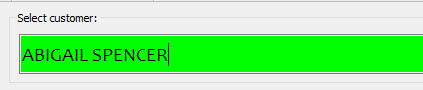
- In the select customer bar, search for the name of the customer in who’s name the order is being created.
- Search and add products and their quantities to the basket.
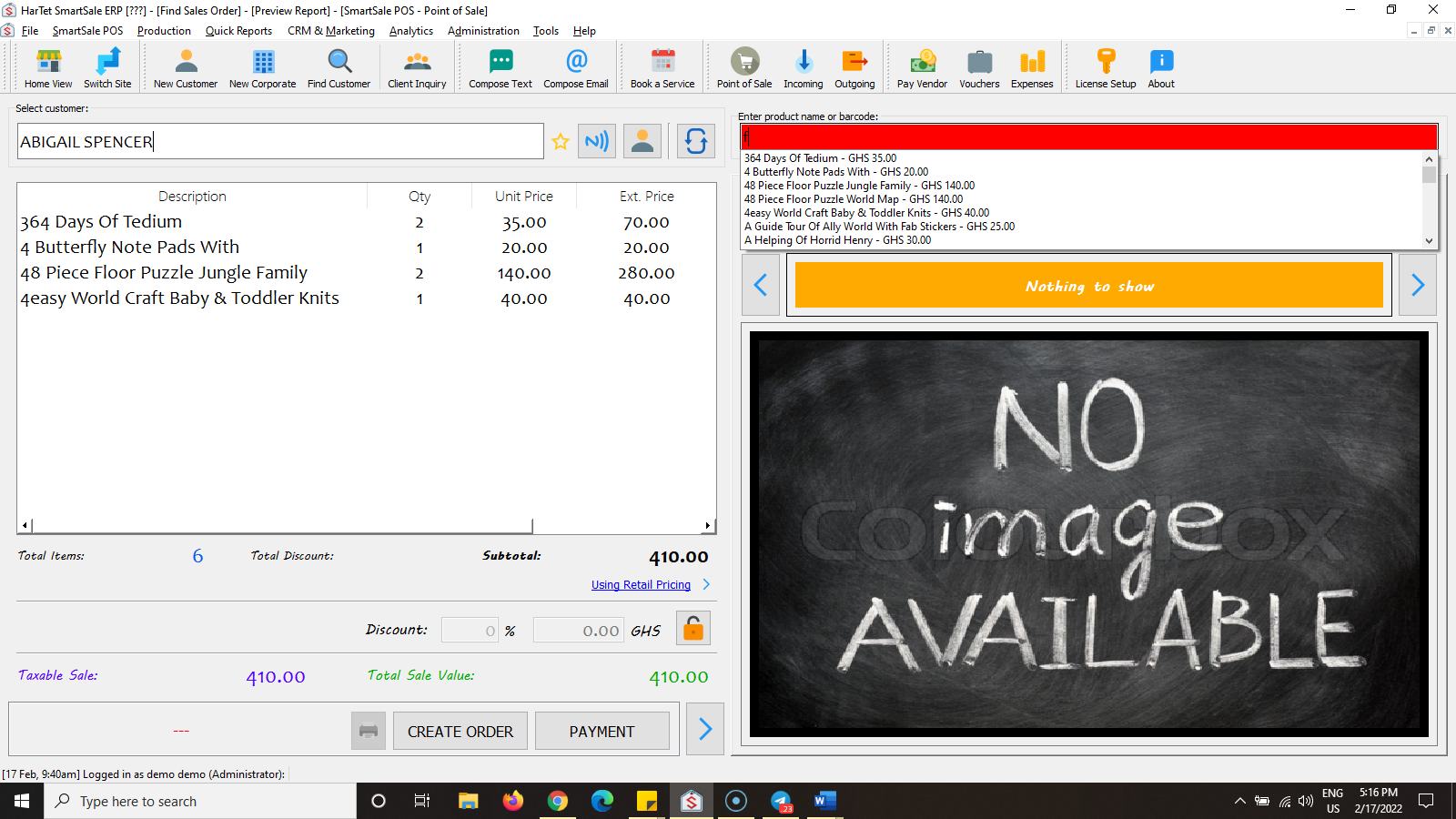
- Click on CREATE ORDER
- Click on the CREATE ORDER tab, enter the order description, quantity and unit price and the click on add

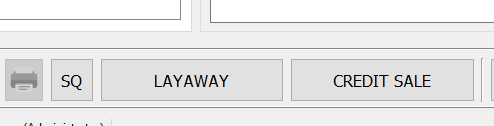
- Select the type of order by clicking on it.
- Click on Submit (Pay Later)