- In the SmartSale POS, search or scan the items to be sold and add them to the basket.
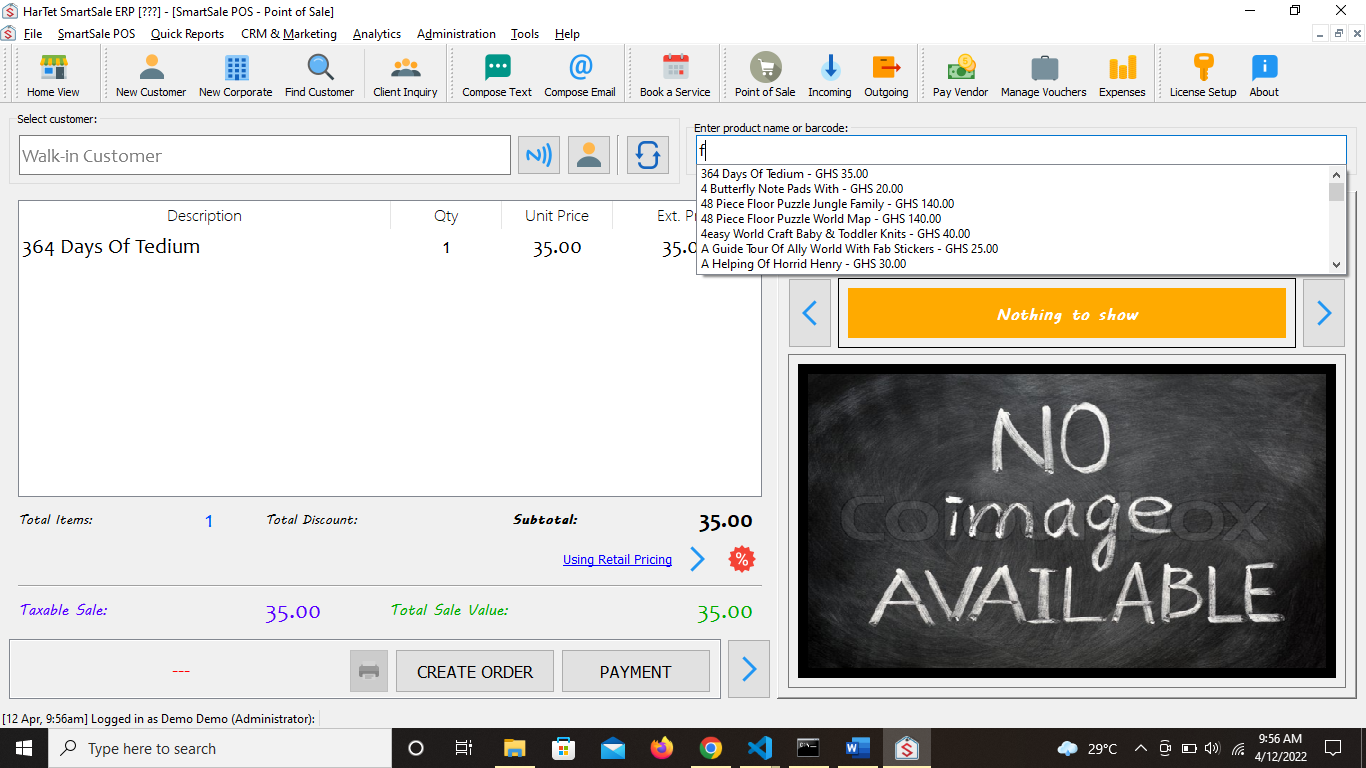
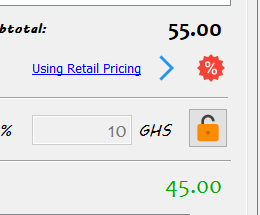
- To apply discount to a sale, click on the percentage sign with the red background to show the discount option.
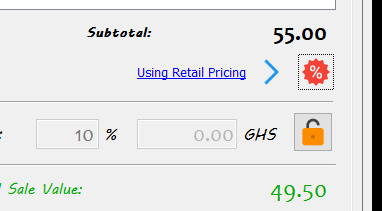
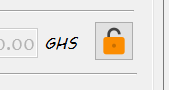
- Click on the padlock to open the discount option.
- Select the account from which you want to apply the discount from and enter the password of that account and then press the enter key. It could be either the manager or the administrator’s account.
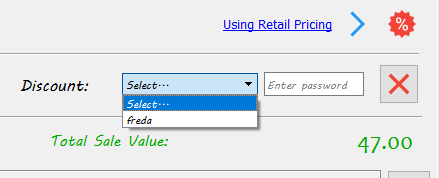
- To apply a percentage discount such as 10% or 15%, enter the percentage value in the box before the % sign and press enter.
To apply discount by taking a specific amount of money off, enter the value of the discount in the box before the GHS and press the enter key.
6. Click on payment to proceed to checkout. 7. Select cash
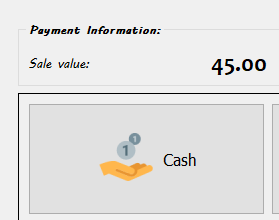
8. Enter amount given by customer
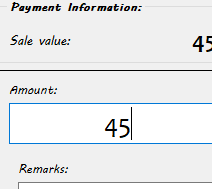 9. Submit and print slip