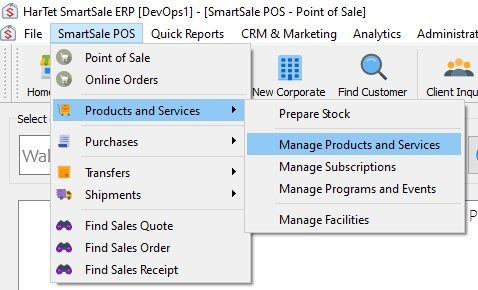
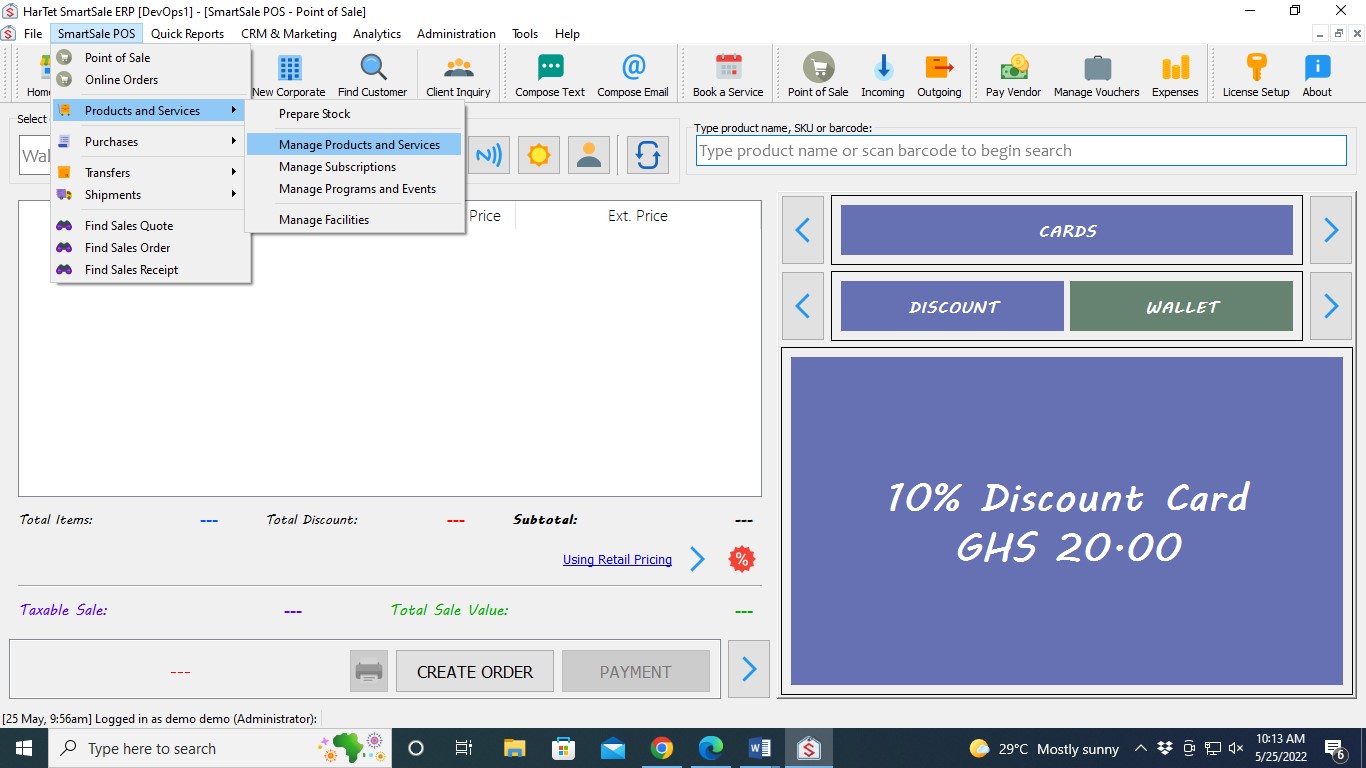
- Click on SmartSale POS, then move the cursor to Products and Services and then click on Manage Products and Services
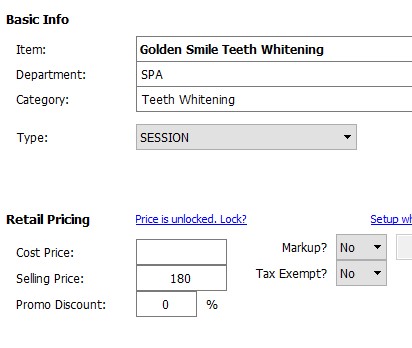
- Enter the information about the session. Under type, choose SESSION
- Click on Extra Info
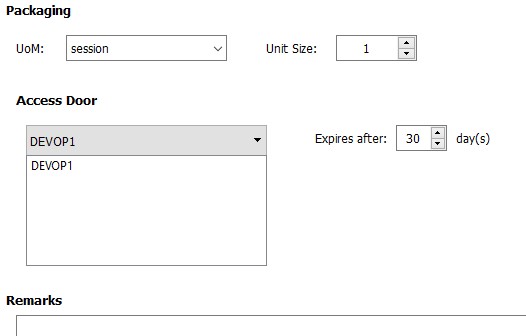
- Enter the unit of measure and unit size, select the Access door and add duration if applicable.
- Click Save