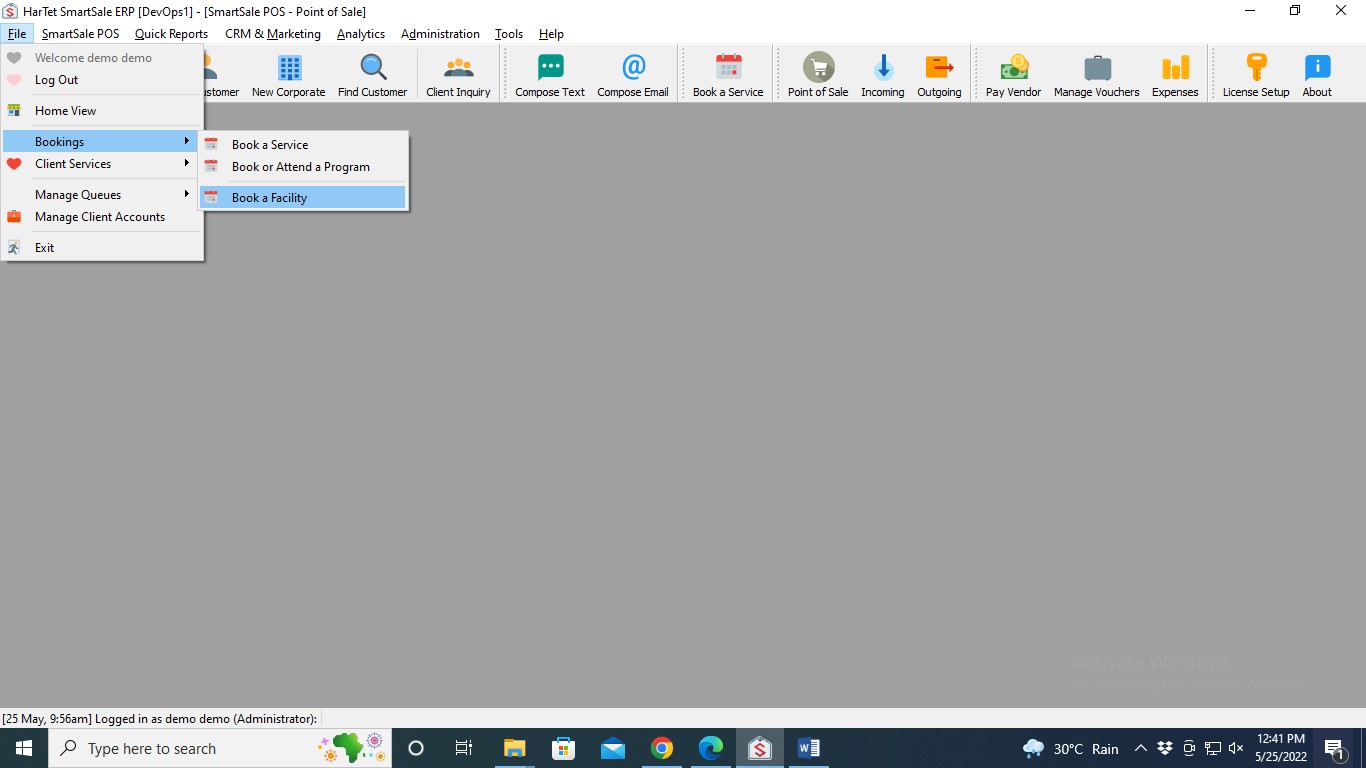
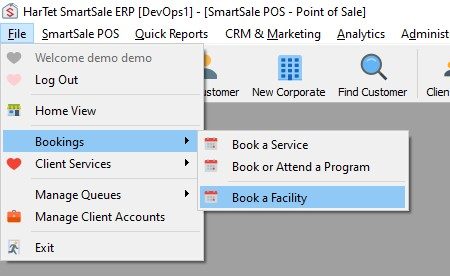
- Click on File, then move the cursor to Bookings and then click on Book a Facility
- Click on the category of the Facility

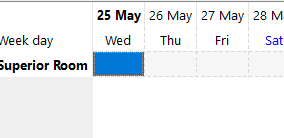
- Double click on the box that matches the booking date and the facility to open a new window on the right.
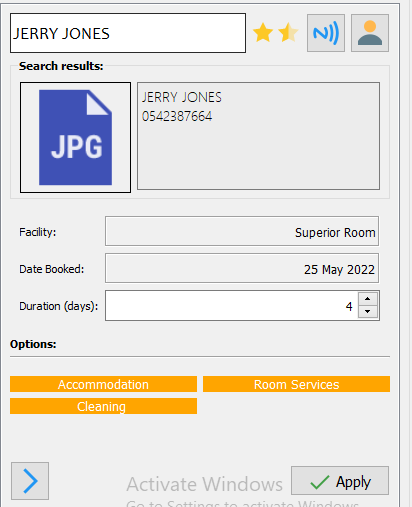
- Search for the name of the customer, choose the duration of the booking, select the services required and click on apply
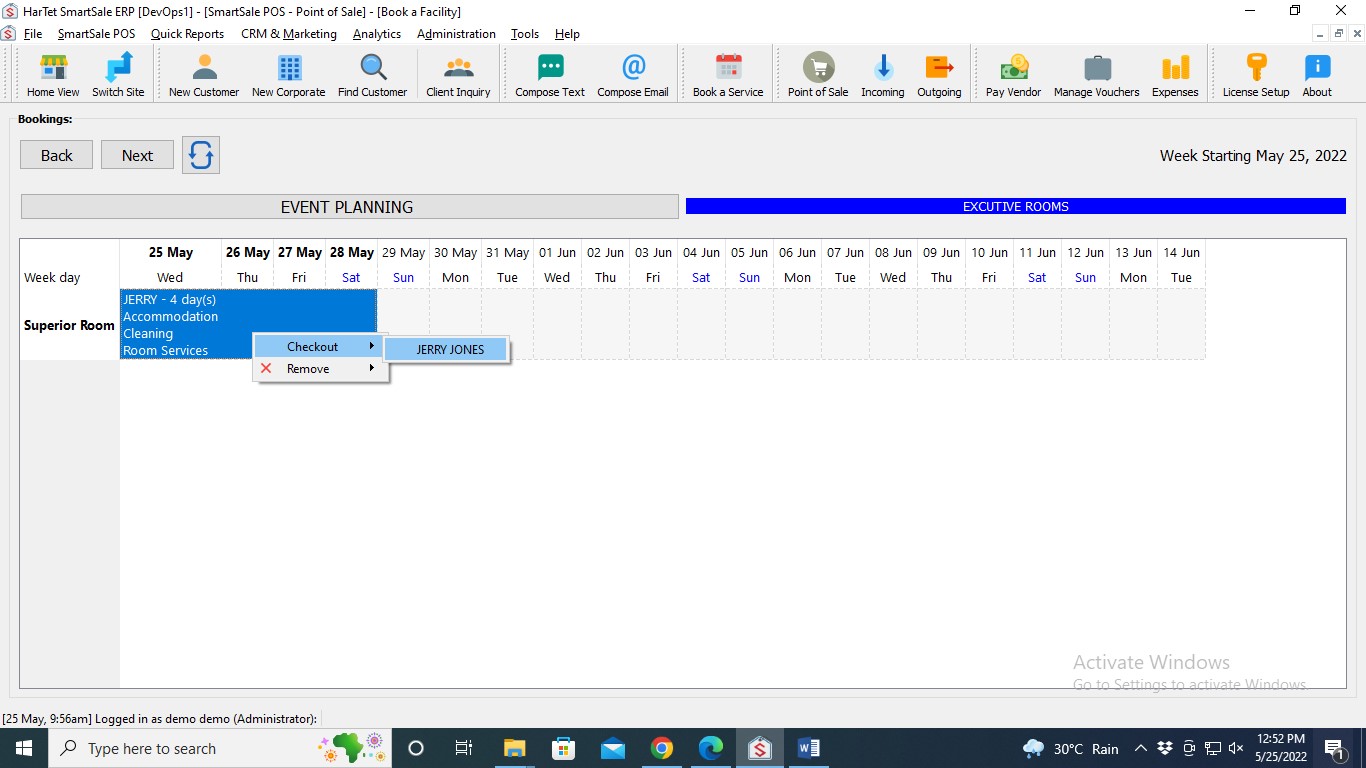
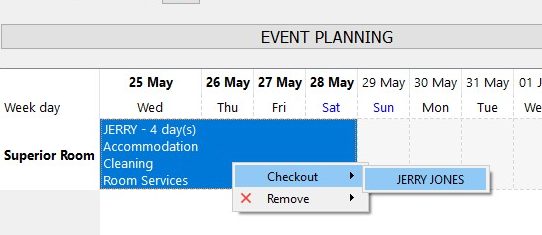
- To receive payment for the booking, right-click on the booking and then click on checkout and the name of the client
- Process payment to complete checkout