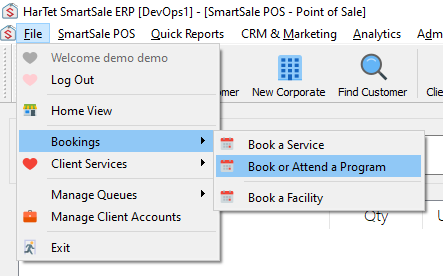
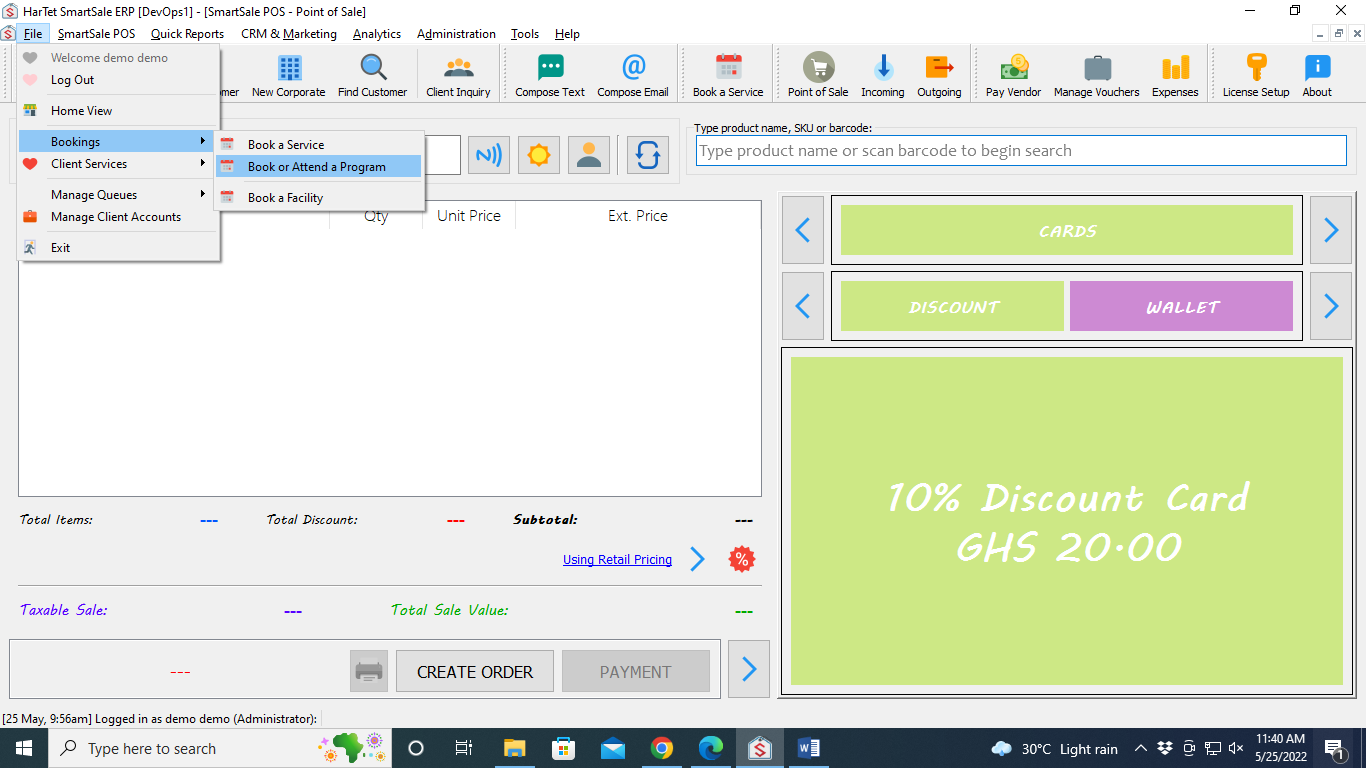
- Click on File, then move the cursor to Bookings and then click on Book or Attend a Program
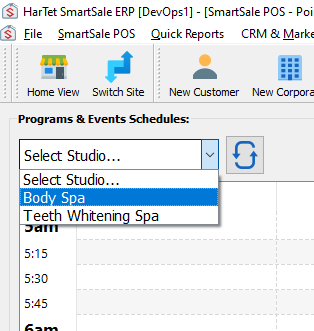
- Click on the Select Studio drop-down menu and choose a studio
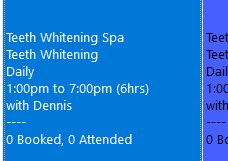
- Double click the studio on the booking or attending date to open a new window on the right
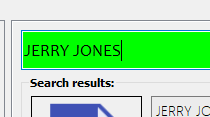
- Search for the name of the customer who’s booking or attending and click on the name
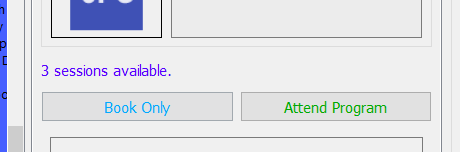
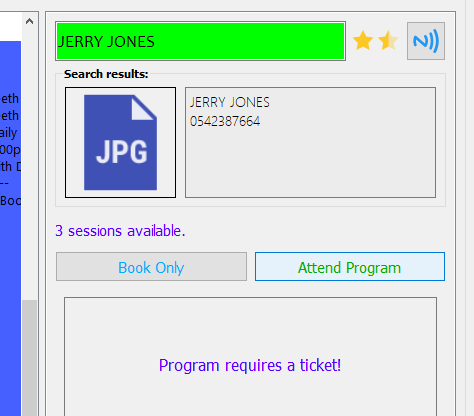
- The number of sessions the client has will be indicated. To book a session, click on Book Only.
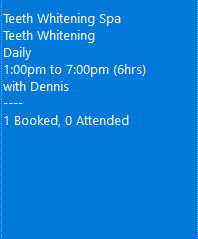
- Session booked will look like this
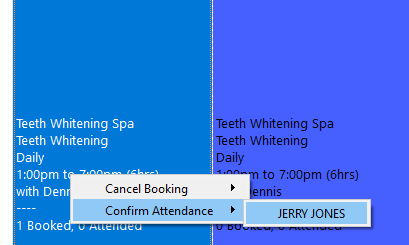
- To attend a booked session, right-click on the date and choose confirm attendance, and then click on the name of the client to open the new window on the right.
- Click on attend program
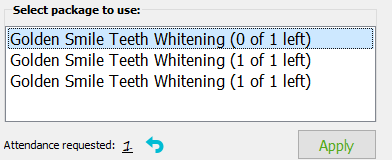
- Double-click on the package to be used and click on apply.
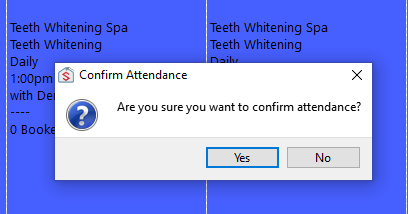
- Click on Yes to confirm attendance