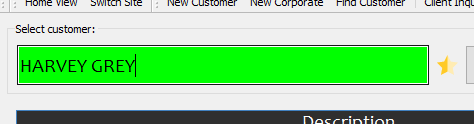
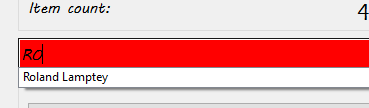
- Search for the name of the customer your are creating the proforma invoice for.
- Search and add the items you are creating the invoice for.

- Click on the right arrow (next) button twice till you see “GENERATE QUOTE”.
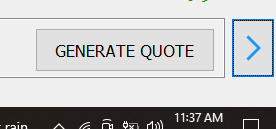
- Click on the “GENERATE QUOTE” button.
- Enter your name in the “Sales attendant” section
- Click on “Submit”
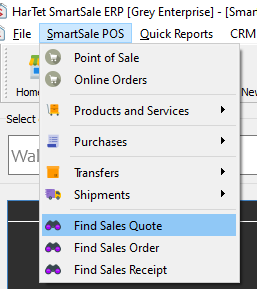
- In the SmartSale POS menu, click on “Find Sales Quote”.
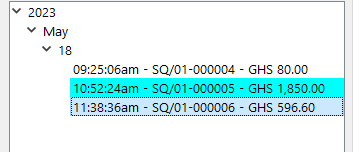
- Click on the invoice you generated. N.B. Last invoice is the latest
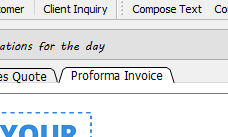
- Click on “Proforma Invoice” to view the details of the invoice generated