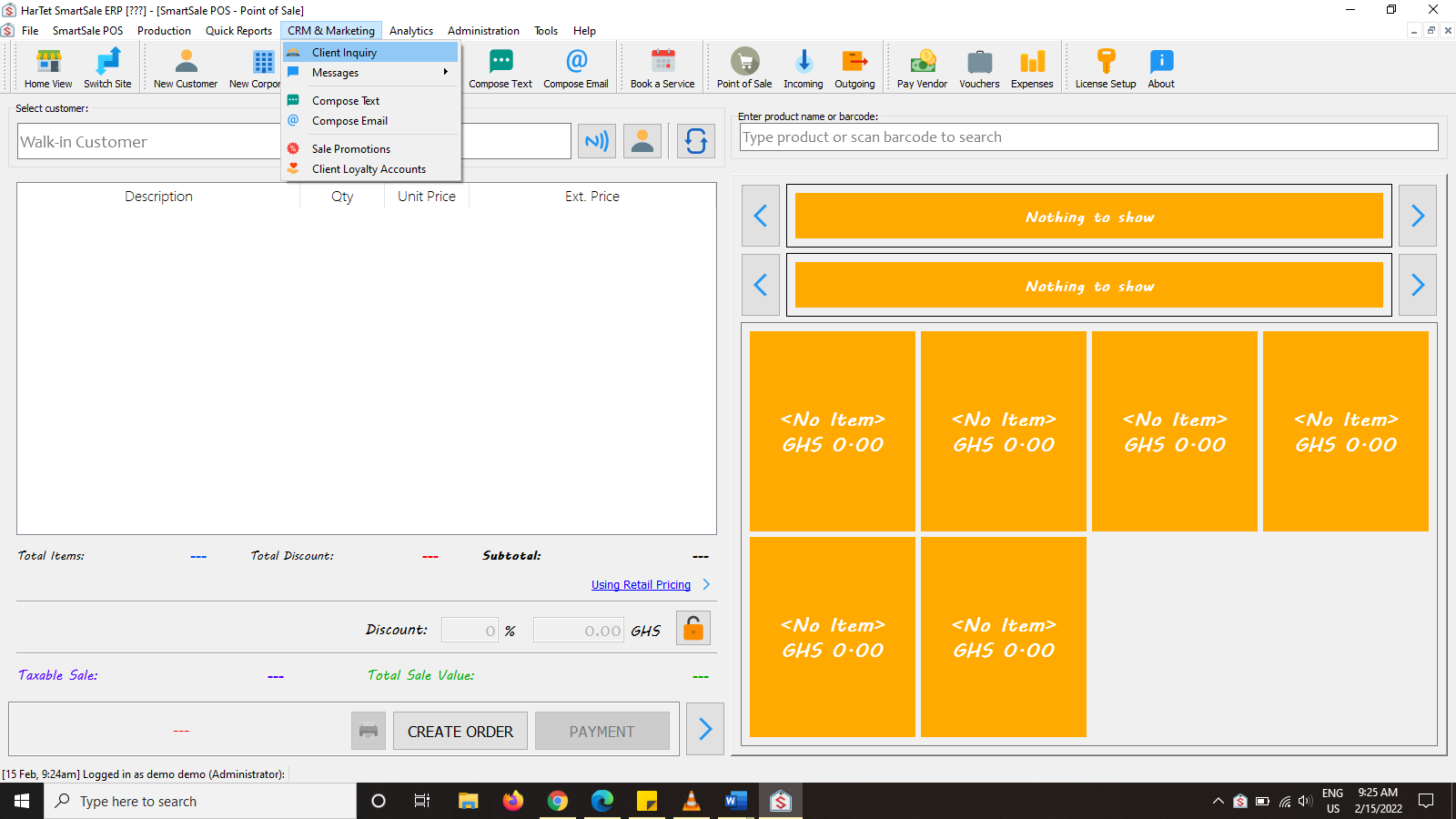
- Click on CRM AND MARKETING AND THE CLICK ON CLIENT INQUIRY
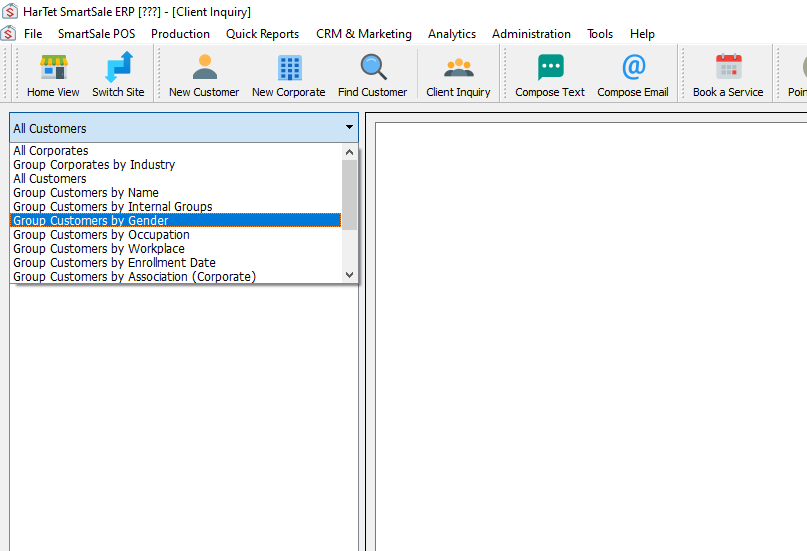
- In the first drop-down box, select the group from which you want to make the inquiries on
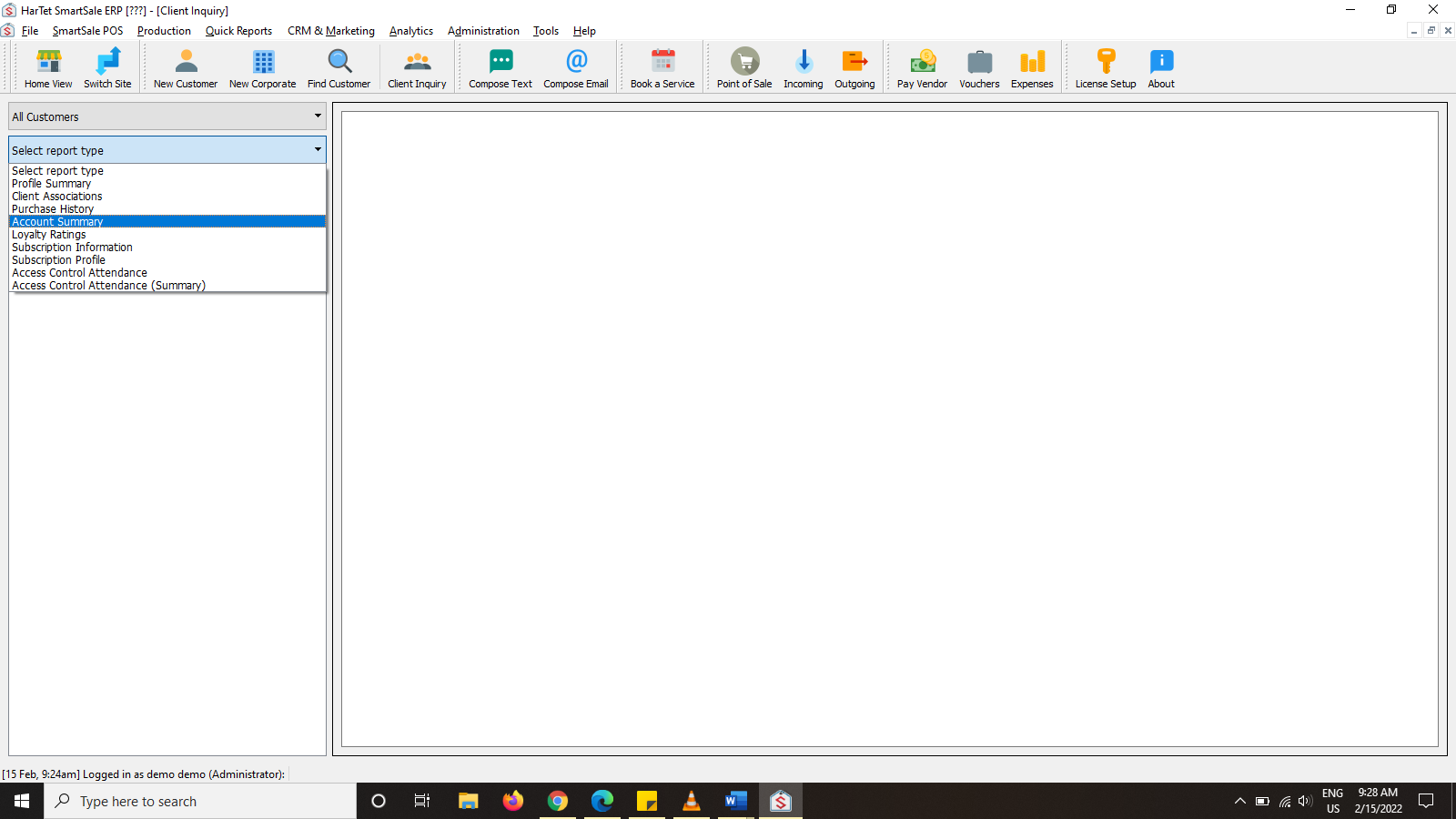
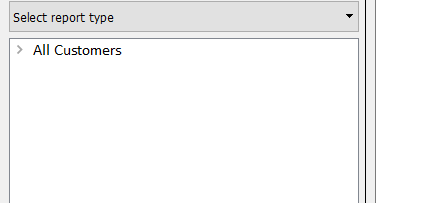
- In the second drop down box, select the report type you want to generate
- Click on the group to show the report in the window in the right column
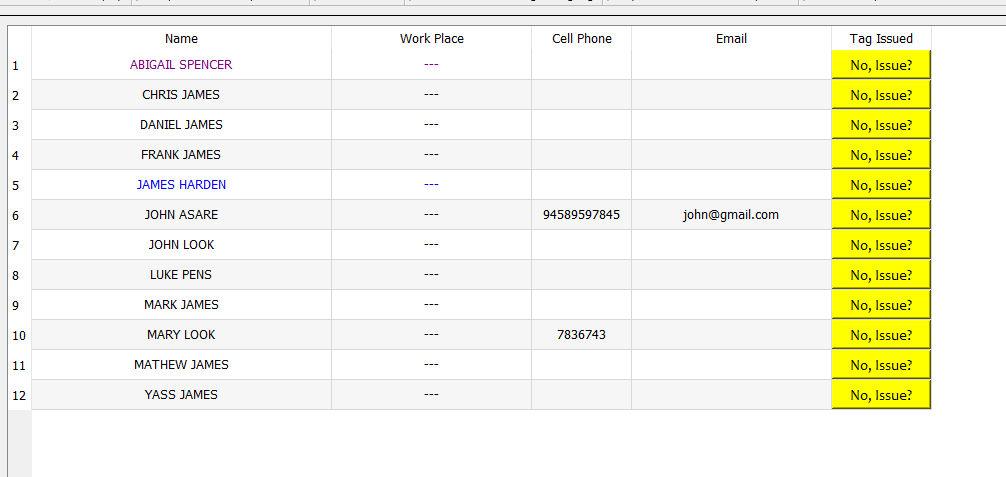
- Sample report generated.