
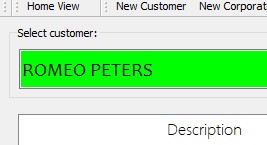
- In the select select customer search bar, search for the name of the customer to who the product will be sold to and click on it. N.B. Serialized products can only be sold to registered customers.
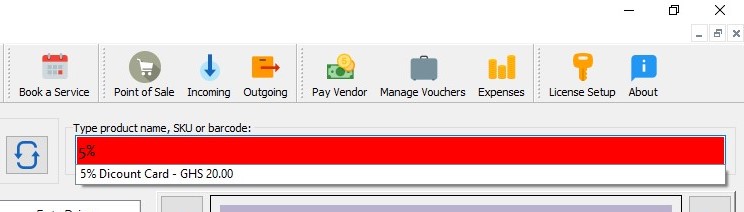
- Search or scan the products and add them to the cart.
- Enter the serial number of the product and click on submit.

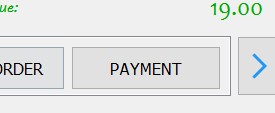
- Click on Payment
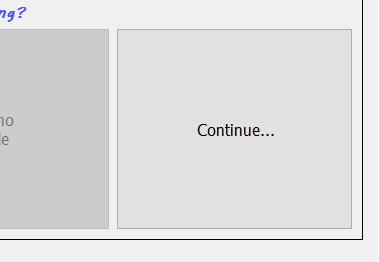
- Click on continue
6. Complete payment for the product.