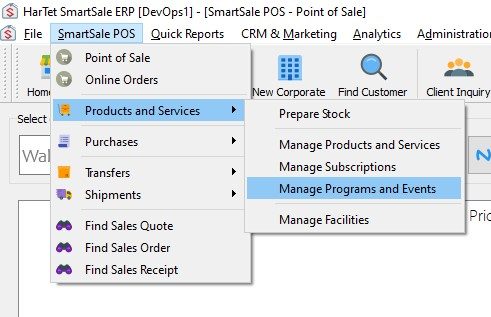
- Click on SmartSale POS, then move to Product and Services then click on Manage Programs and Events
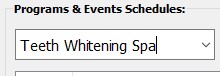
- In the Select Studio drop-down, clear the field and enter the Name of the Studio
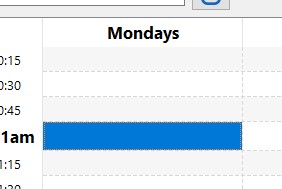
- Double click on the start time and day of the studio to open a window on the right
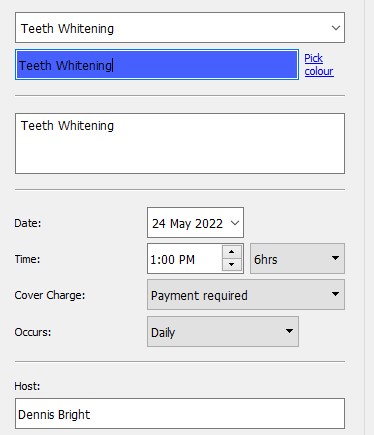
- Enter the details of the studio such as program, frequency of occurrence, time, duration, host, and color to differentiate other studios, etc.
- Click on Save
- It should look like this after saving.