
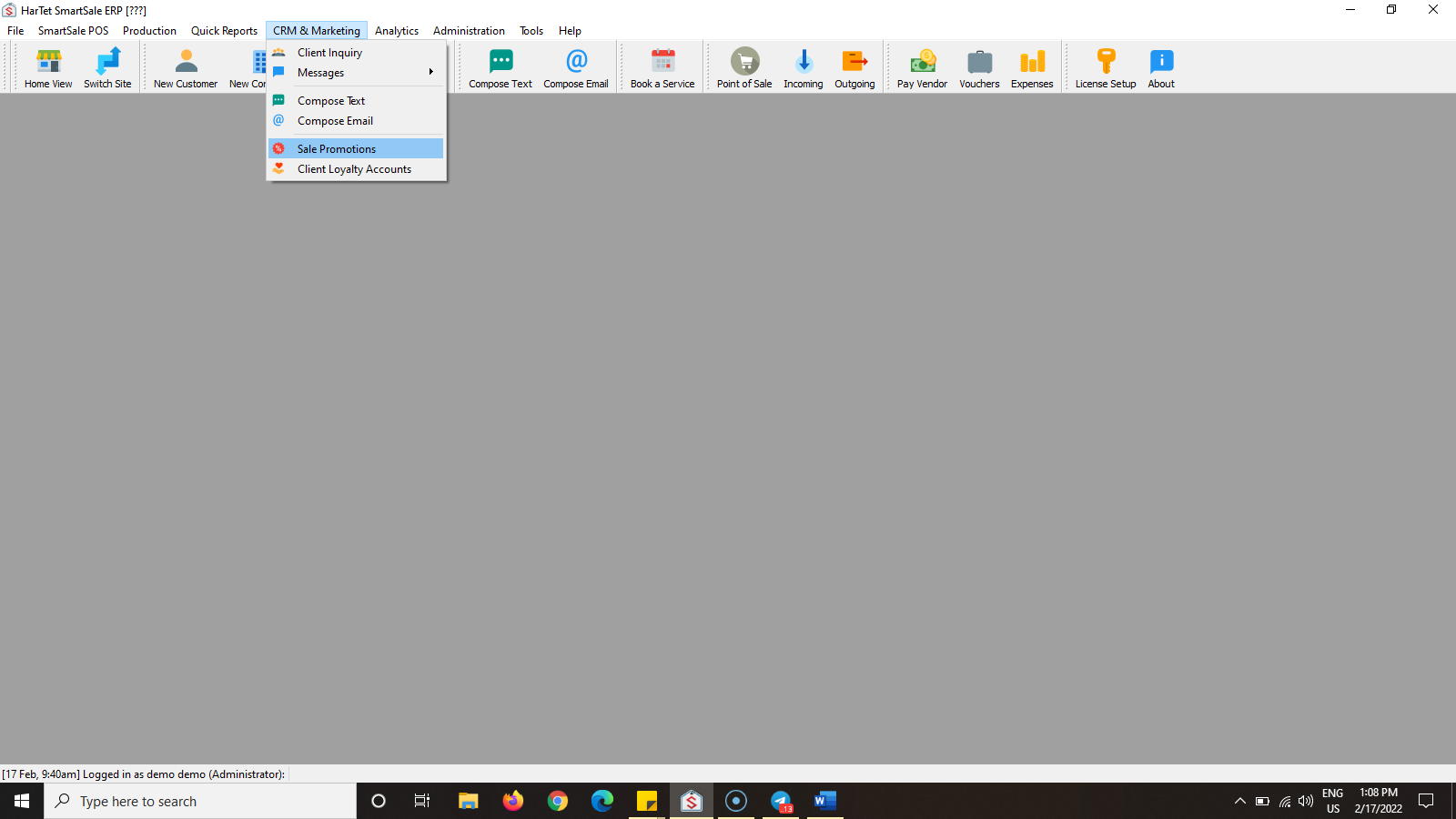
- Click on CRM & MARKETING and then SALE PROMOTIONS
- Select the promotion you want to add the individual

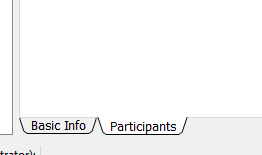
- Click on PARTICIPANTS at the bottom of the window.
- In the Select Individual section, type the name of the person you want to add and click on the name.
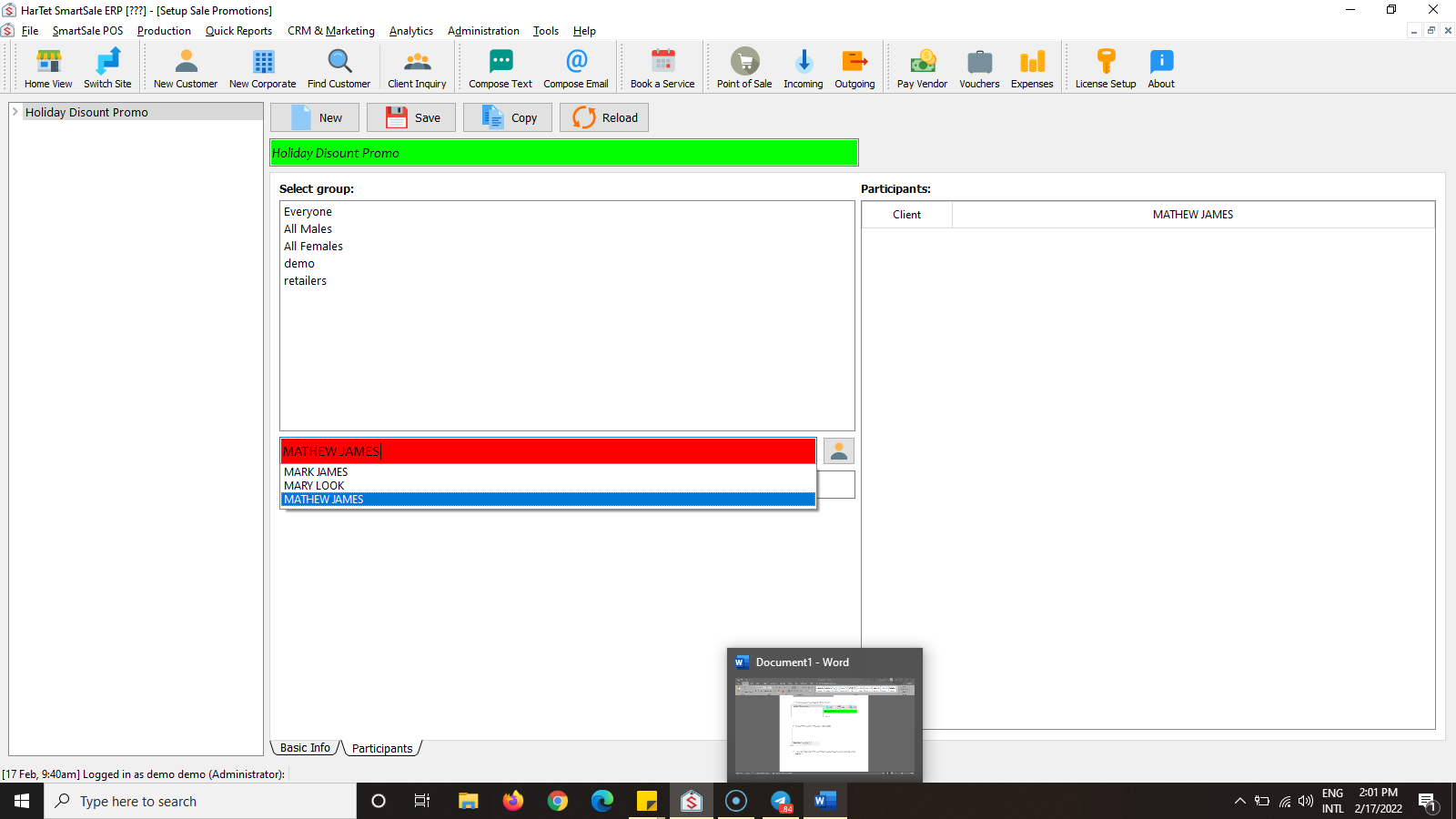
- The name will be added to the participants of the promotion.
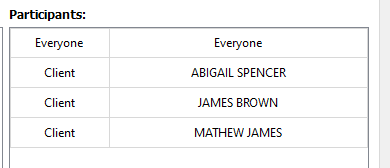
- Click Save to add changes.