
- In the SmartSale interface, click on Book a Service.
- Double click on the box that matches the time and the date of the appointment. For example (8 Saturday 2:00 pm )
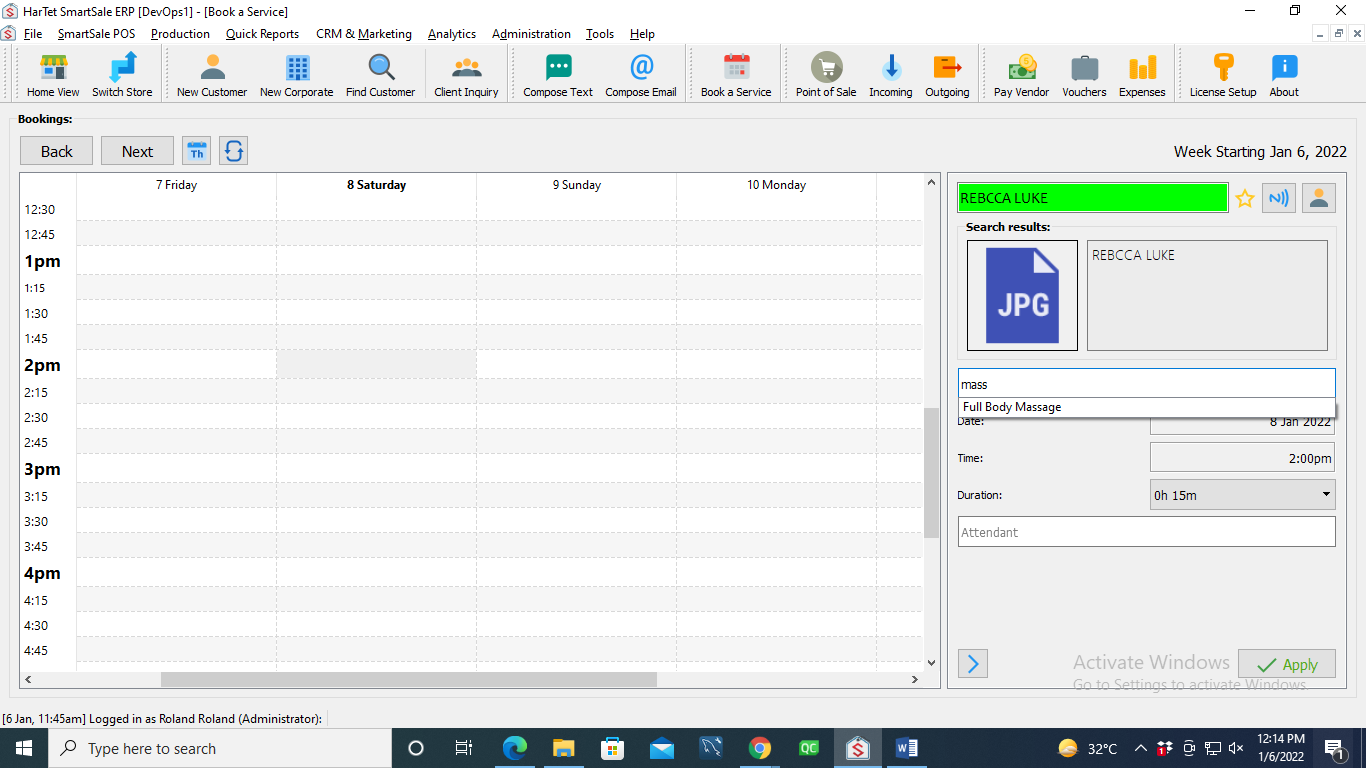
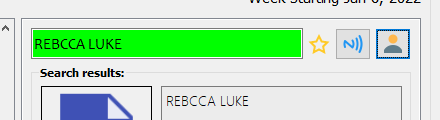
- In the search bar, search for the name of the customer or click on the profile icon by it to quickly register a new client.
- In search bar below the customer details, search for the name of the service and click on it.
- Select the duration of the appointment and enter the name of attendant.
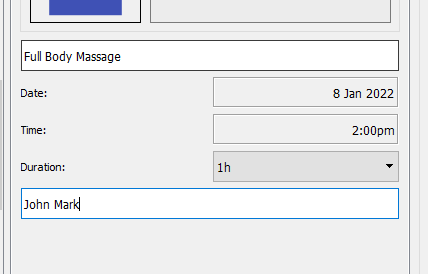
- Click on apply to book the service