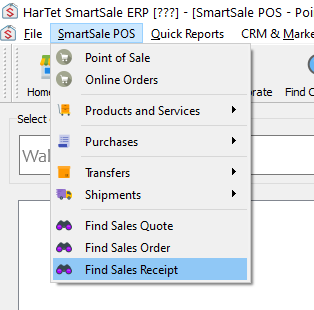
- Click on SmartSale POS and then click on Find Sales Receipt
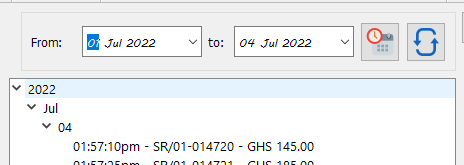
- Adjust date to show the preferred day or month

3. Click on the day or month to show the Sales Summary for that particular day or month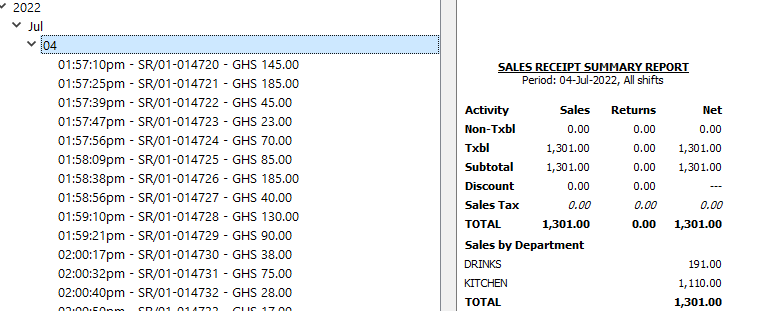
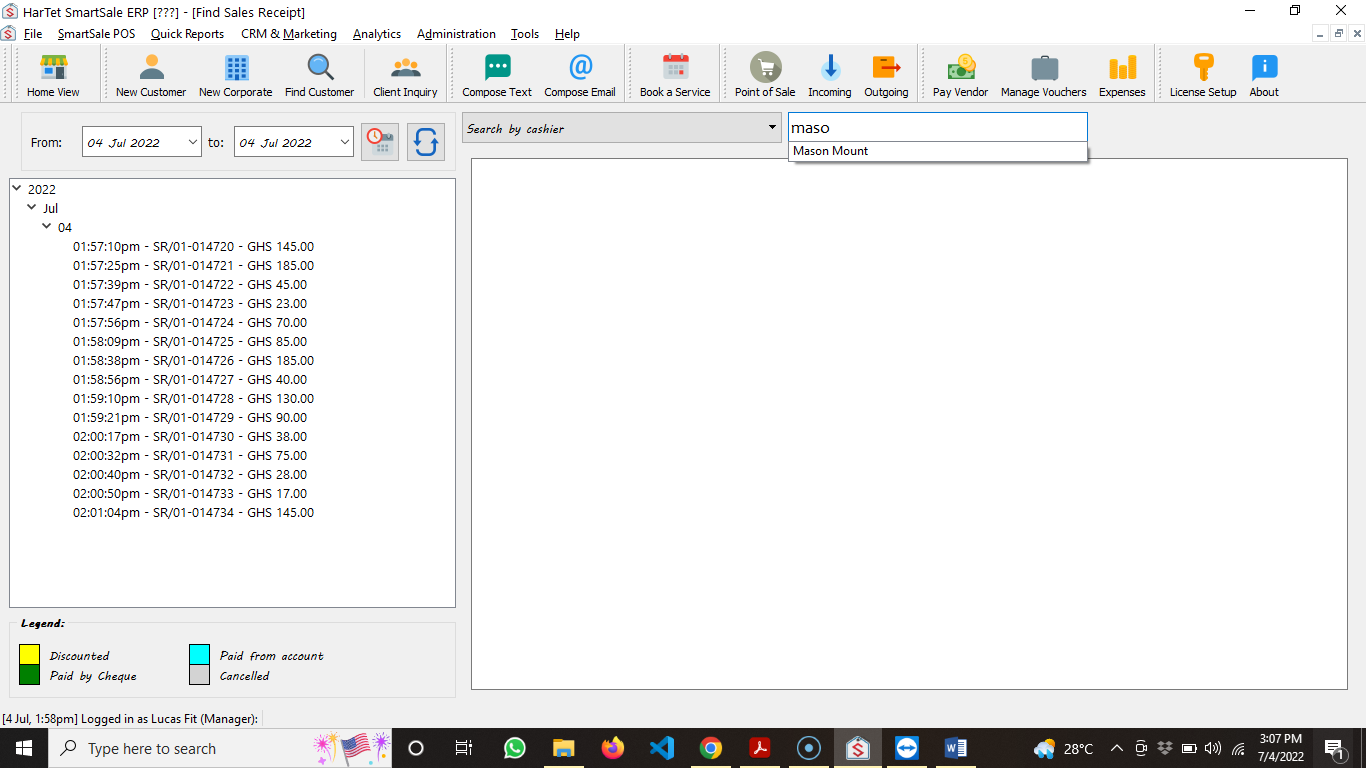
4. Click on “Receipts for the day” drop down menu and choose search by cashier
5. Enter the name of the cashier and then click on it to filter the receipts