
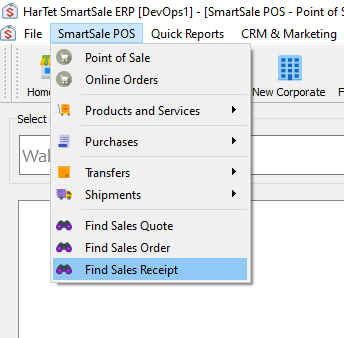
- Click on SmartSale POS then click on Find Sales Receipt
2. Choose the receipt from the left column 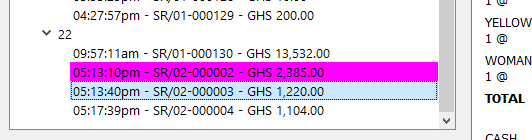
3. Right-click on the receipt and click on Returns or Exchanges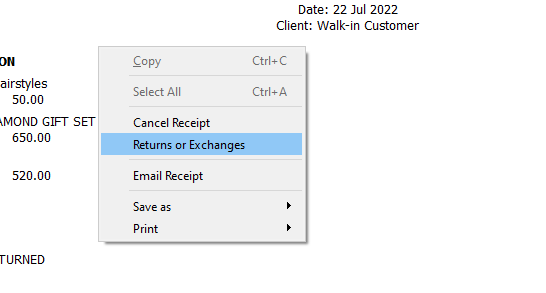
4. Add or subtract items from the cart 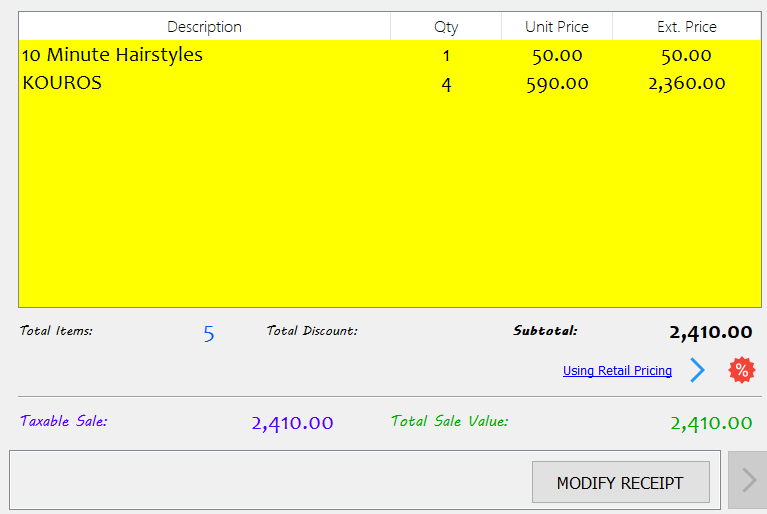
5. Click on MODIFY RECEIPT and complete payment