
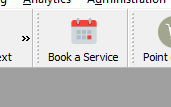
- In the SmartSale interface, click on Book a Service.
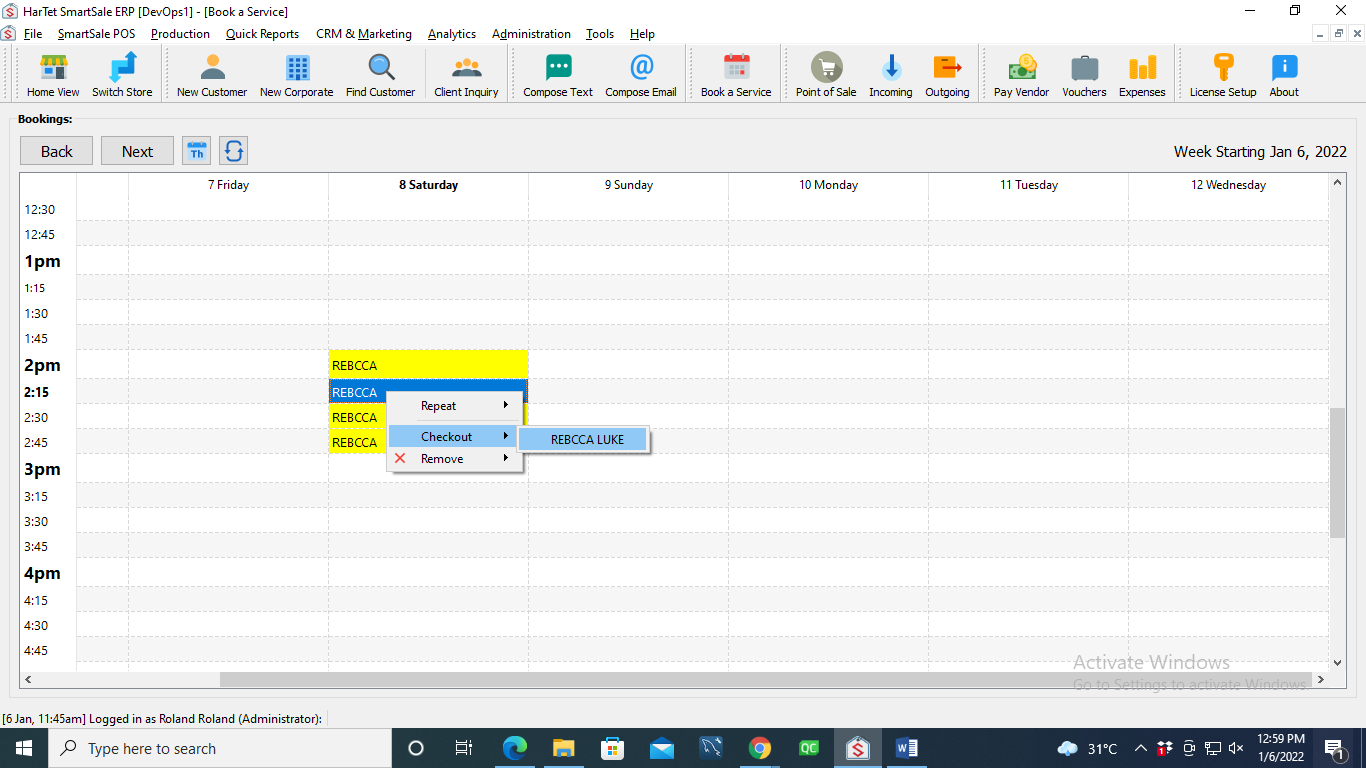
- Right click on the appointment, click on check out and then click on the name of the customer.
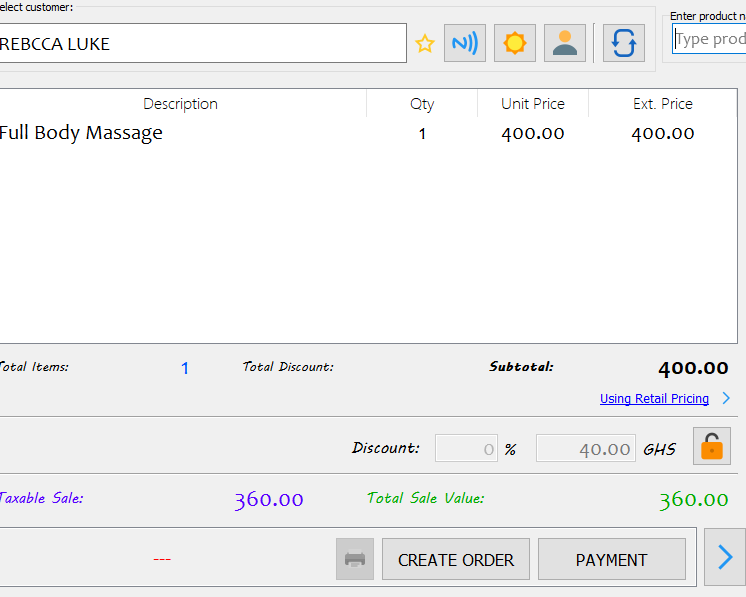
- In the POS window it opens, click on payment.
- Choose the mode of payment
- Enter the amount received
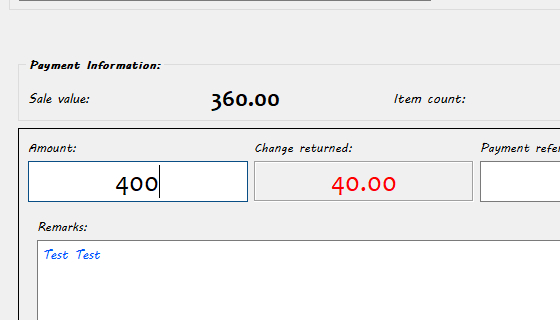
- Click on submit to process payment.