1. Home
  2. Knowledge Base
  3. How to Guides
  4. HOW TO REGISTER A CUSTOMER.

HOW TO REGISTER A CUSTOMER.

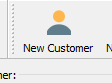
  1. Click on NEW CUSTOMER button by the HOME VIEW to open the window to add the details of the customer.
 

  1. In the NEW CUSTOMER window, add the details of the customer.
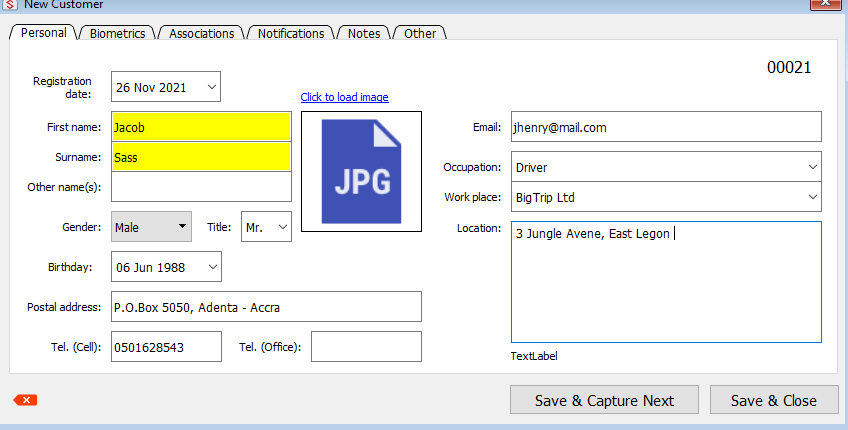
  1. Once all the required and necessary videos have been added, click on the Save & Close button to complete and save the customer information.

Updated on February 9, 2022

Was this article helpful?

Related Articles

Need Support?
Can't find the answer you're looking for? Don't worry we're here to help!
CONTACT SUPPORT

Leave a Comment