- In the SmartSale POS Menu, click on tools and then click on setting.
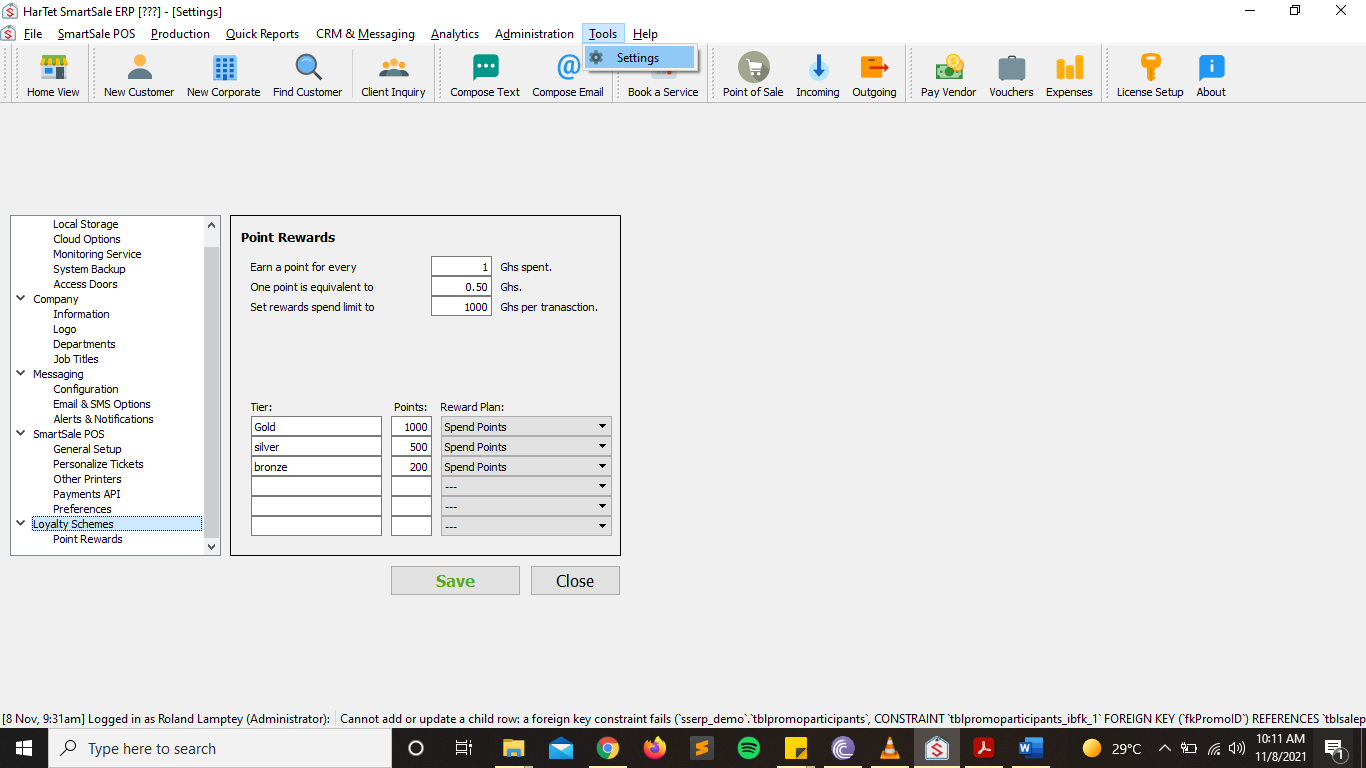
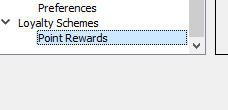
- In the various option in the left column, scroll down to the last options and the click on Points Rewards under Loyalty Schemes option.
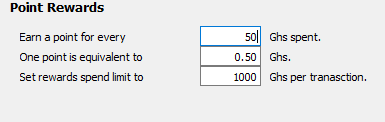
- Under Points rewards, specify the various details of your reward system
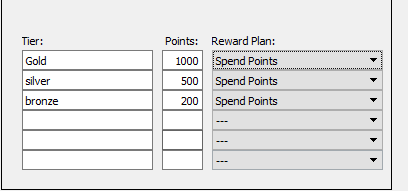
- In the tiers section, specify the various levels of your reward system and how many points required to attain those levels.
- When done click on save and then restart the SmartSale Application.