1. Home
  2. Knowledge Base
  3. How to Guides
  4. How to Spend Loyalty Points

How to Spend Loyalty Points

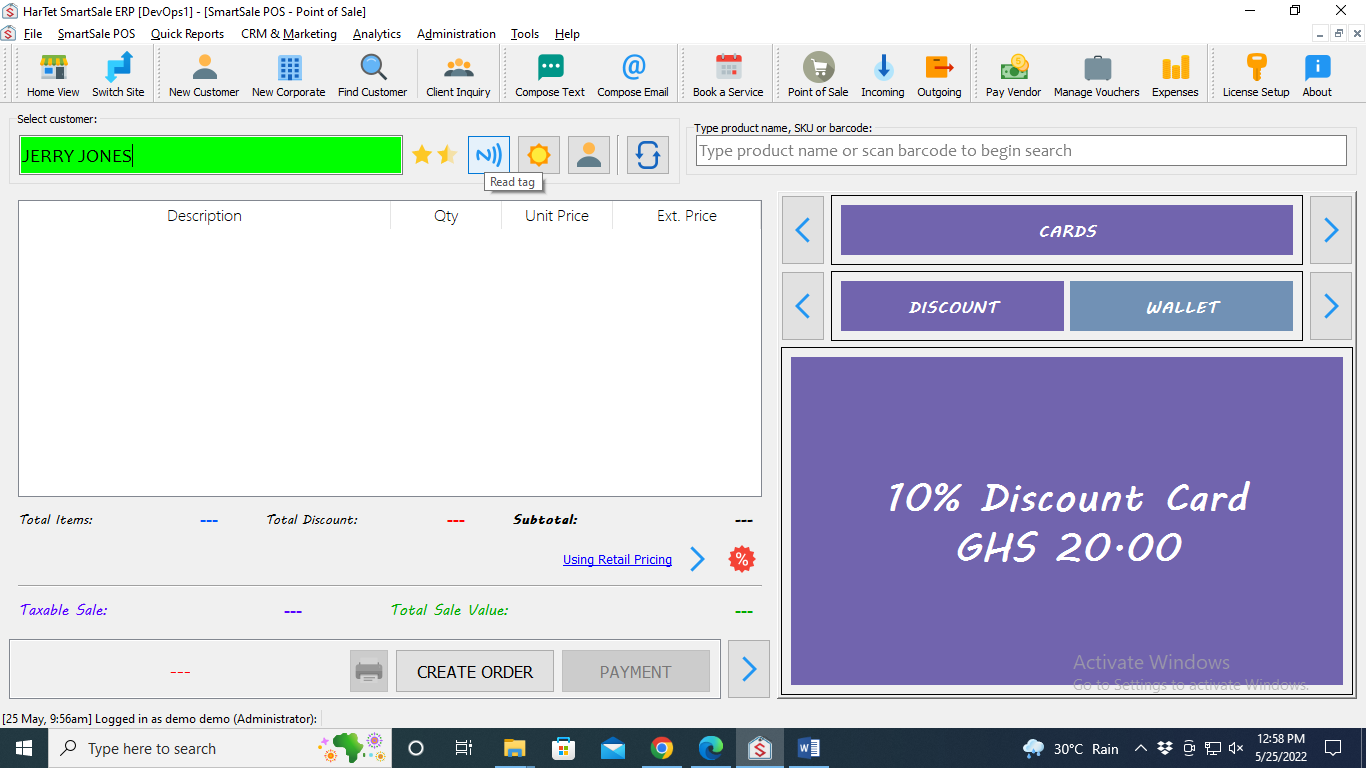
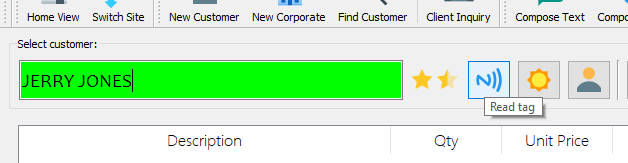
  1. Search for the name of the customer and click on it or place the customer’s card on the reader and click on the read tag icon
  1. Scan or search for products and add them to the basket

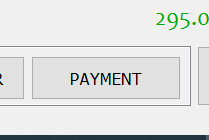
  1. Click on Payment
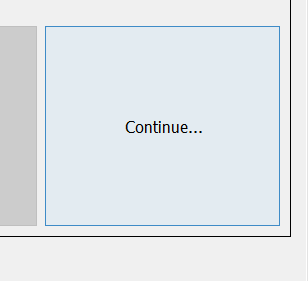
  1. Click on Continue
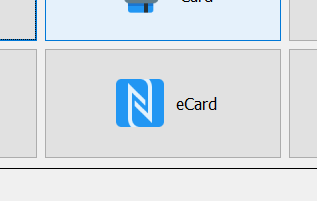
  1. Choose eCard
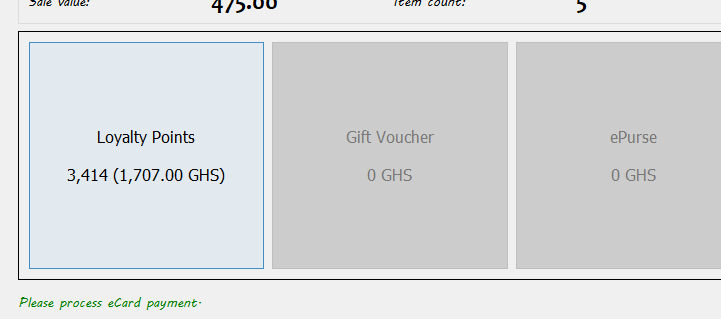
  1. Click on Loyalty Points
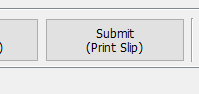
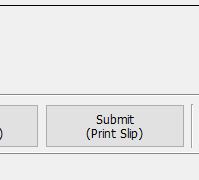
  2. Click on Submit


Updated on August 22, 2022

Was this article helpful?

Related Articles

Need Support?
Can't find the answer you're looking for? Don't worry we're here to help!
CONTACT SUPPORT

Leave a Comment