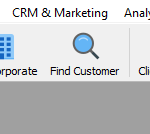
- In the SmartSale window, click on the FIND CUSTOMER icon.
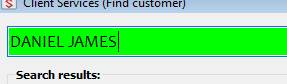
- In the search bar, search for the name of the customer
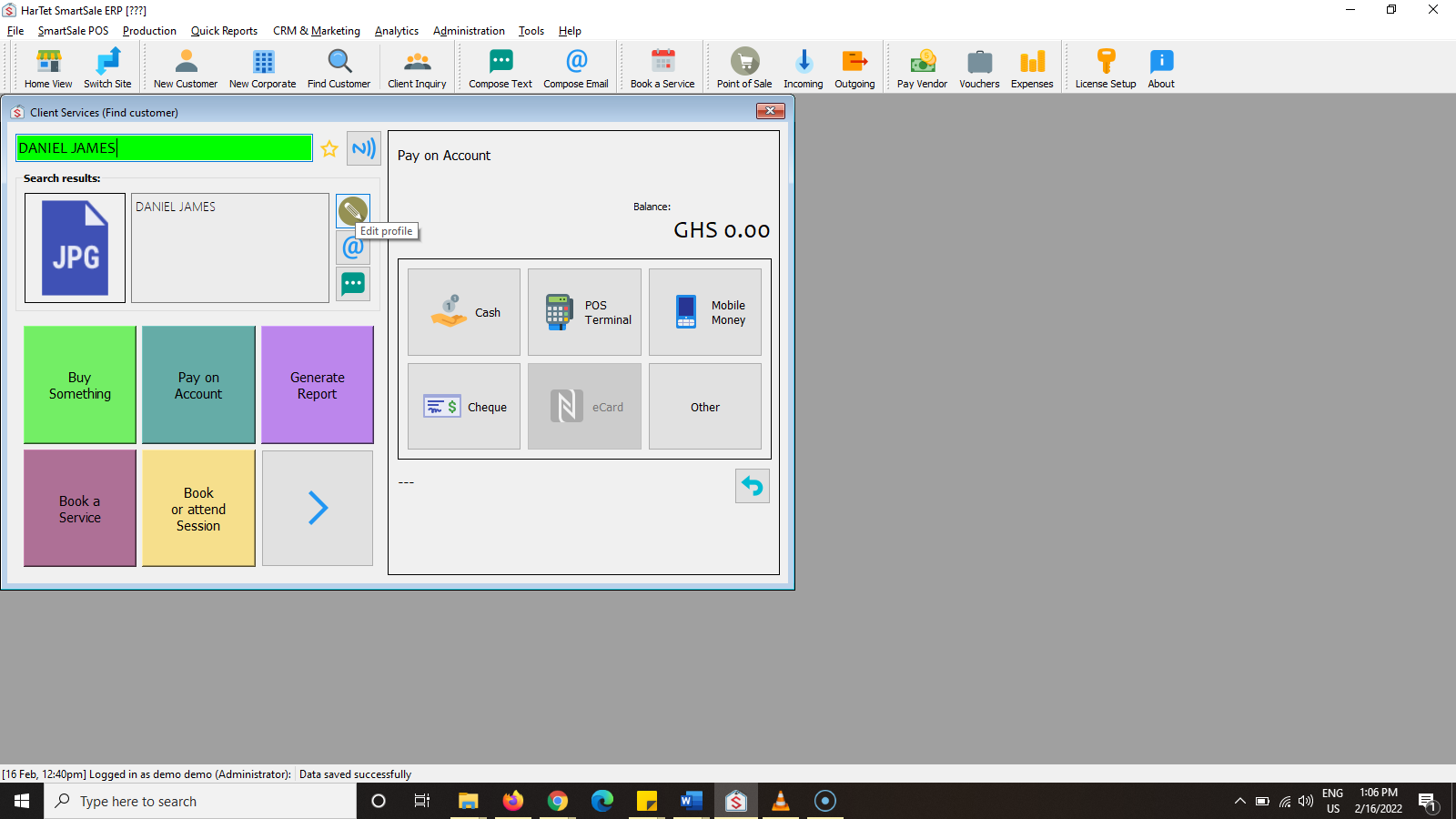
- Click on the edit profile icon
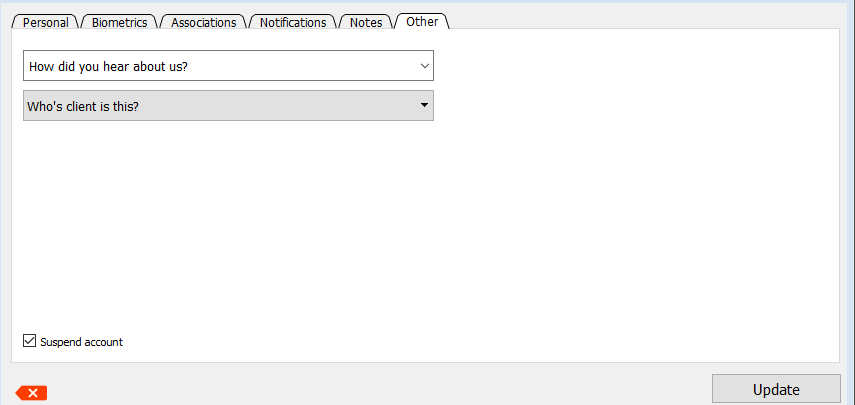
- In the new window, go to OTHER
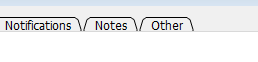
- Check the Suspend customer tick box and then click on Update to suspend the customer.