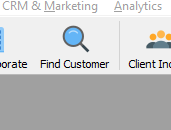
- In the SmartSale interface, click on Find Customer to search for the name of the client who wants to unfollow a subscription.
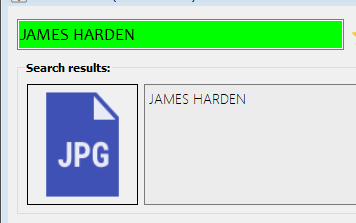
- In the search bar, search for the name of the customer.
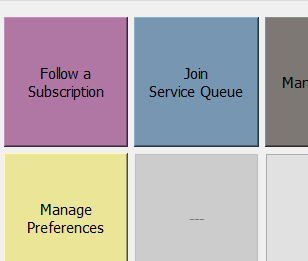
- Navigate the options below the client profile and click on follow a subscription.
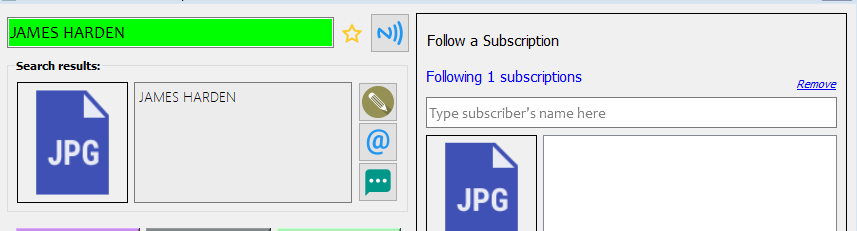
- Click on the remove icon by the Following 1 subscription to unfollow.