
- Click on TOOLS, from the drop-down, click on SETTINGS

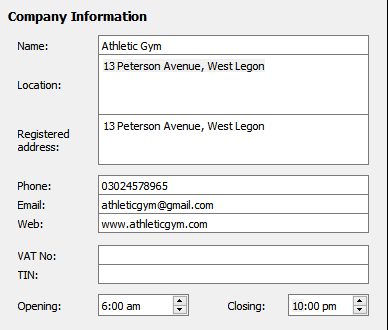
- In the left column of the new window, click on INFORMATION under COMPANY and fill in all the necessary details.
- In the left column, click on LOGO to upload the company’s logo

- Click on CHANGE

- Navigate to the location of the logo file and select the file to add.
- Click Save to save all the information.
- Close and open SmartSale to apply changes.