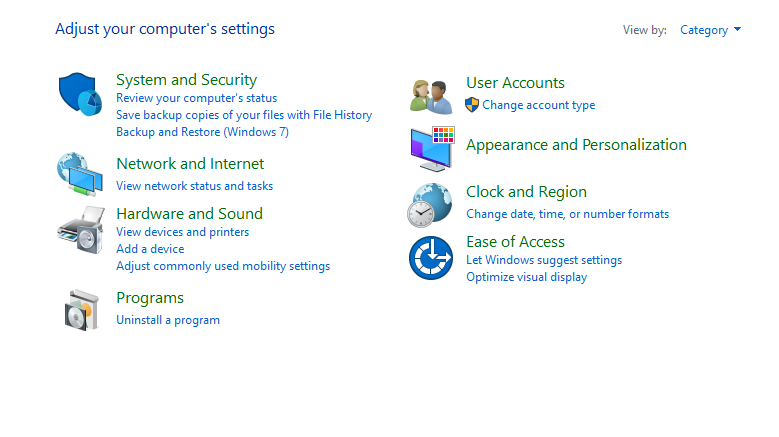
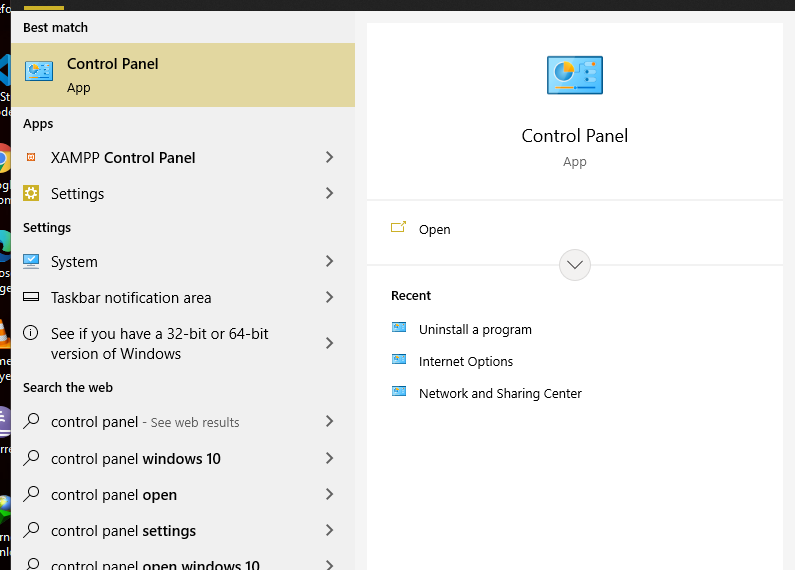
- Click on the start menu, search for “Control panel” and then click on it.
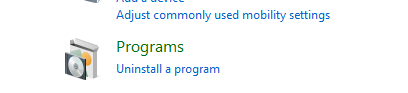
- Click on “Uninstall a program” under Programs
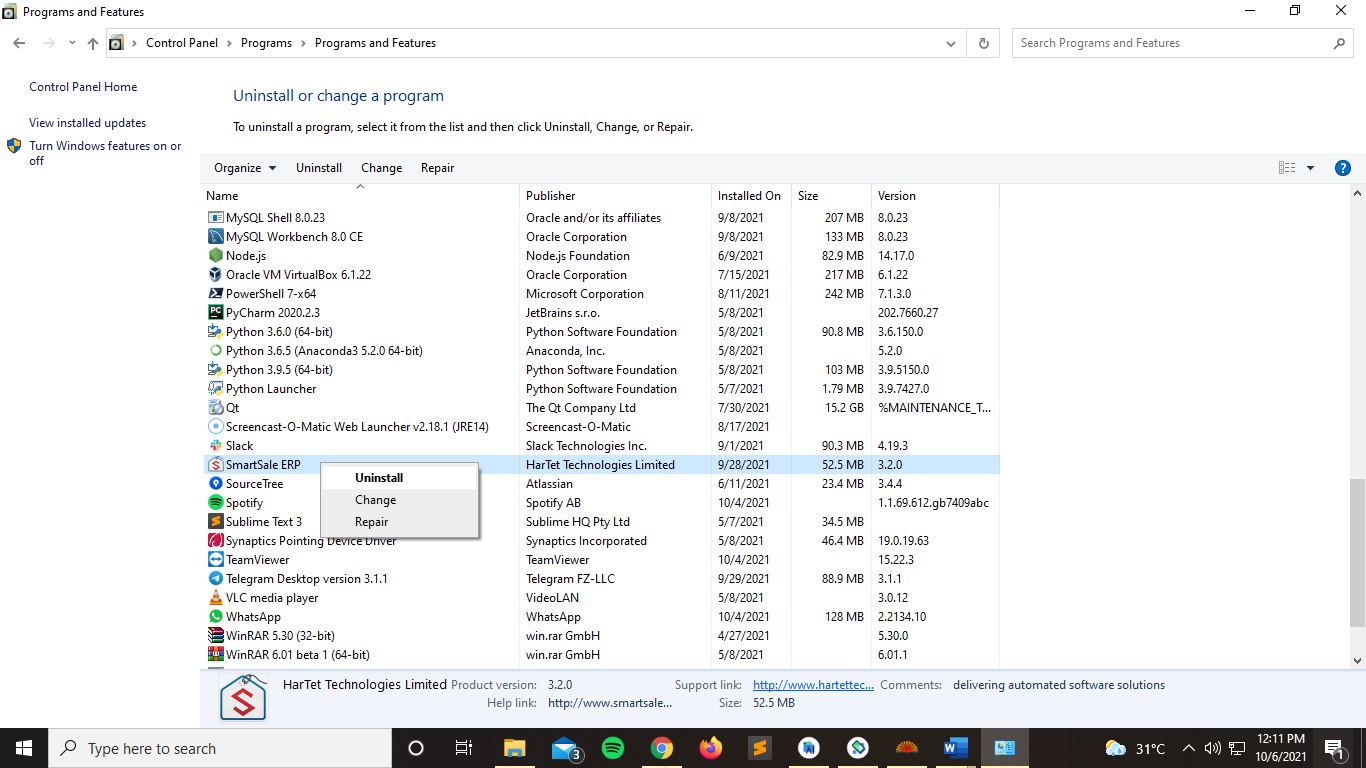
- Navigate to find SmartSale ERP, right-click on it and then click on uninstall.
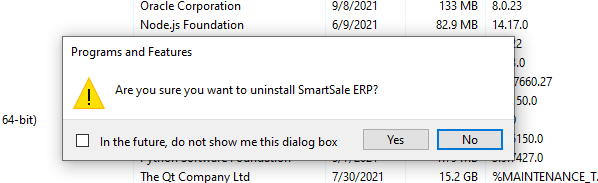
- Click on Yes and wait for it to uninstall.
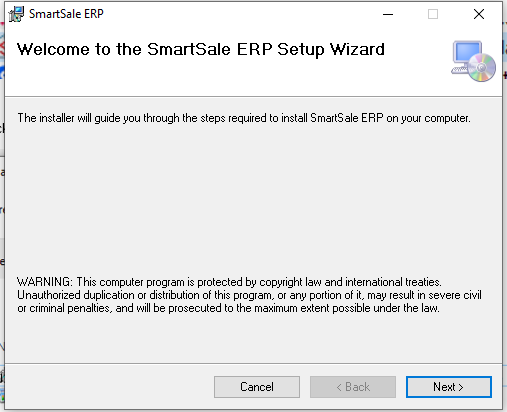
- Now open the folder with the latest version of the software and “double click on setup.exe”

- Click Next
- Click Next
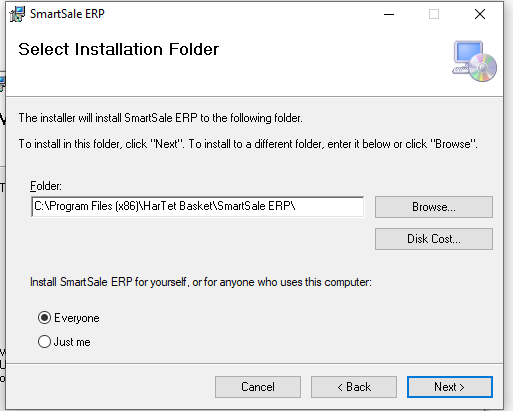
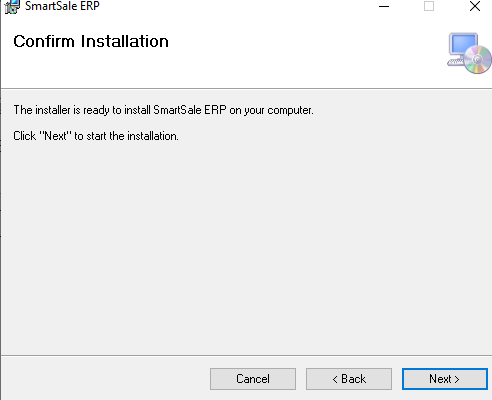
- Click Next
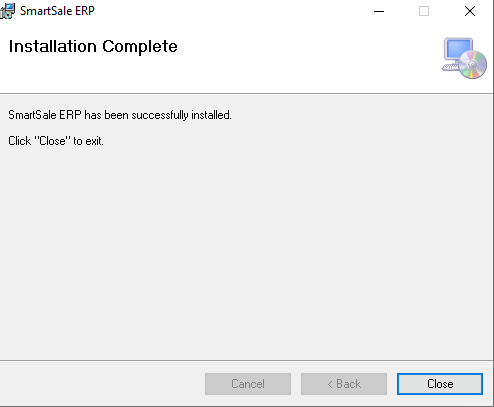
- Click on close.