
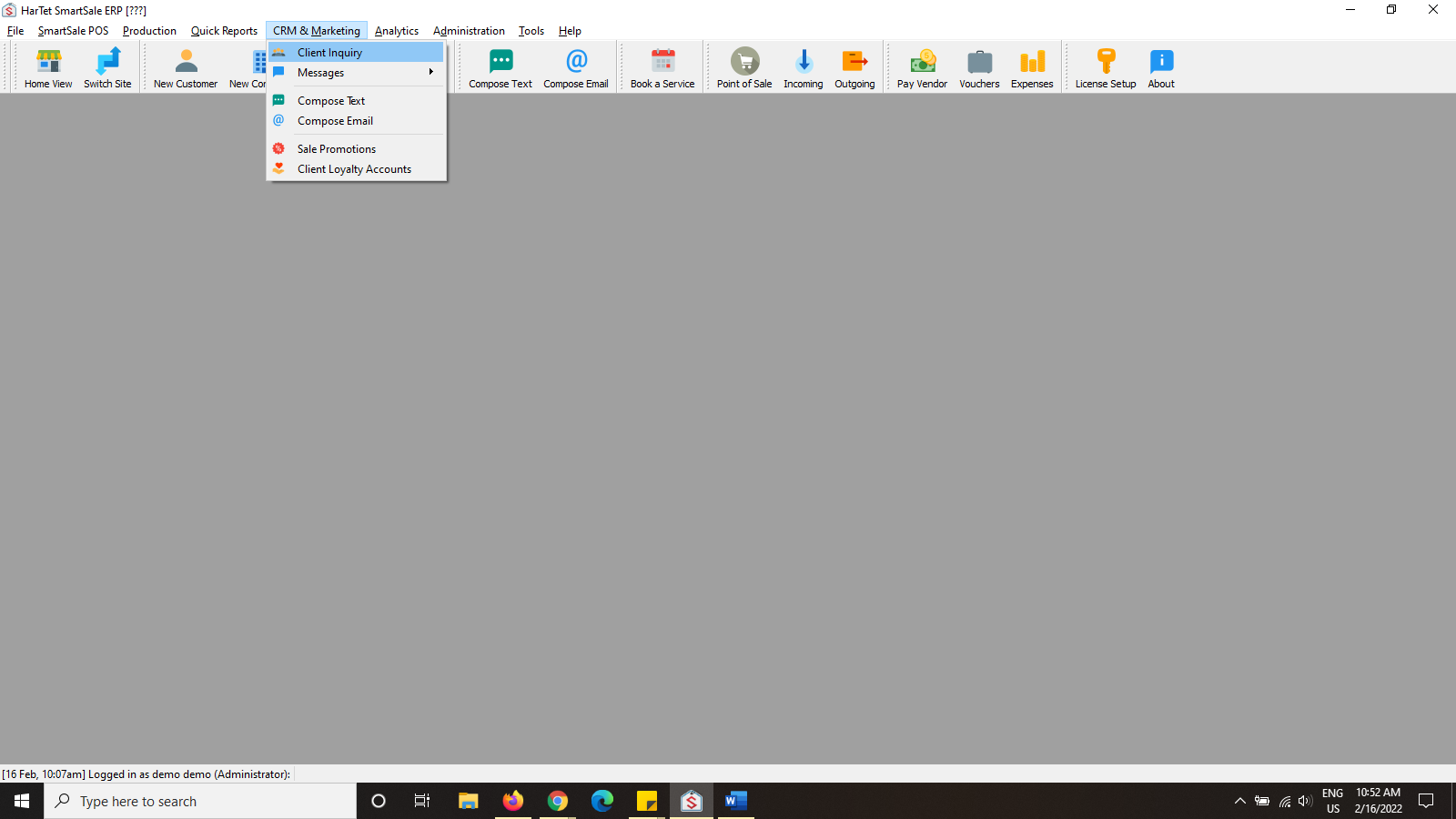
- In the SmartSale window, click on CRM & MARKETING and then click on CLIENT INQUIRY.
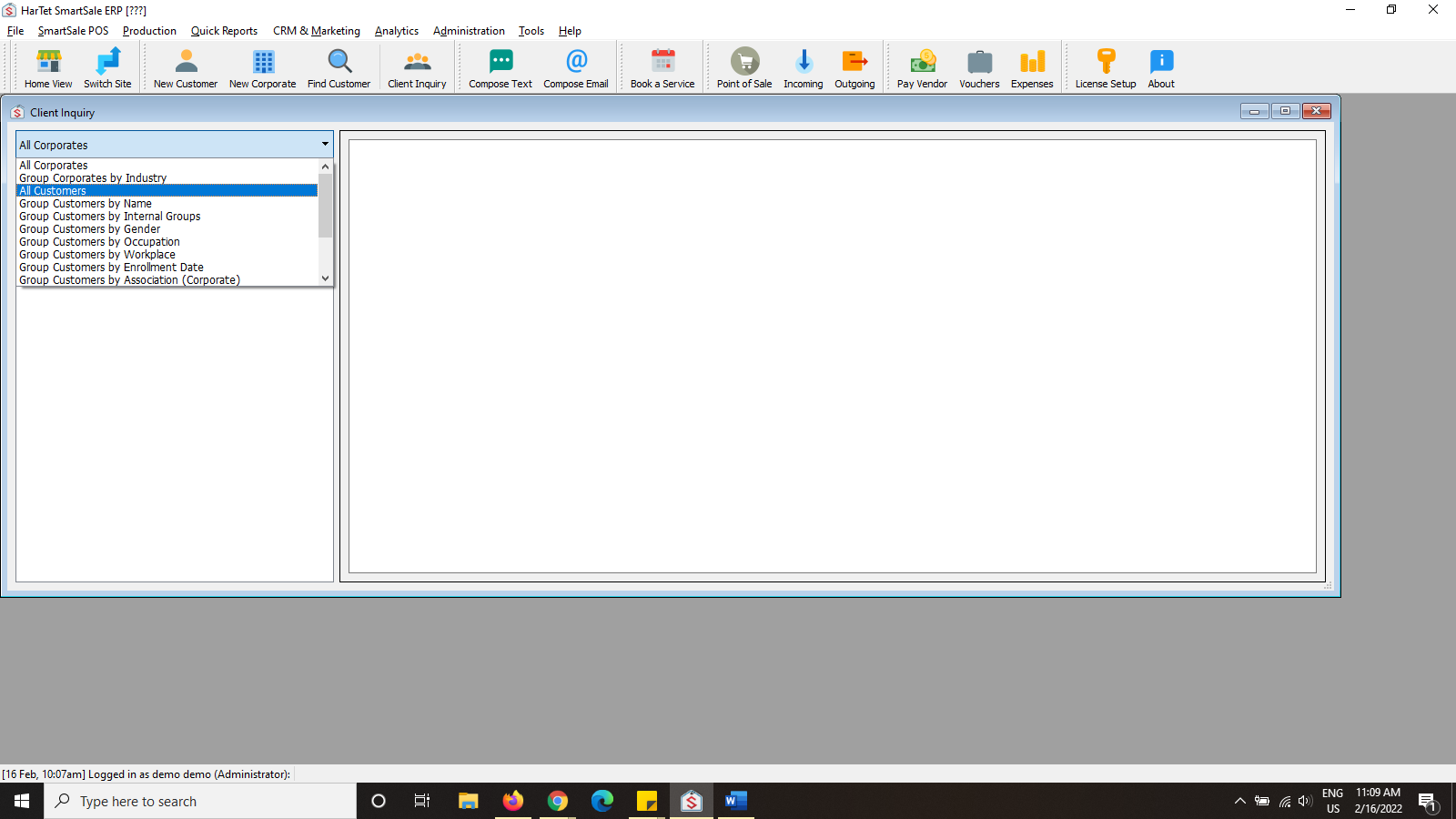
- Click on the first drop-down menu in the left column, select ALL CUSTOMERS.
- Click on the second drop down menu (Select report type) and choose Purchase History.

- Click on All Customers below the select report type drop down menu to generate the report.

5. In the date section on the top right corner you can adjust the date to a preferred or suitable timeframe
6. Sample report generated